
5 min read
HDR explained: what high dynamic range means for your TV
HDR promises brighter highlights, deeper shadows and richer colour. Here is what the term means, how the main formats differ, and what you need to see it.
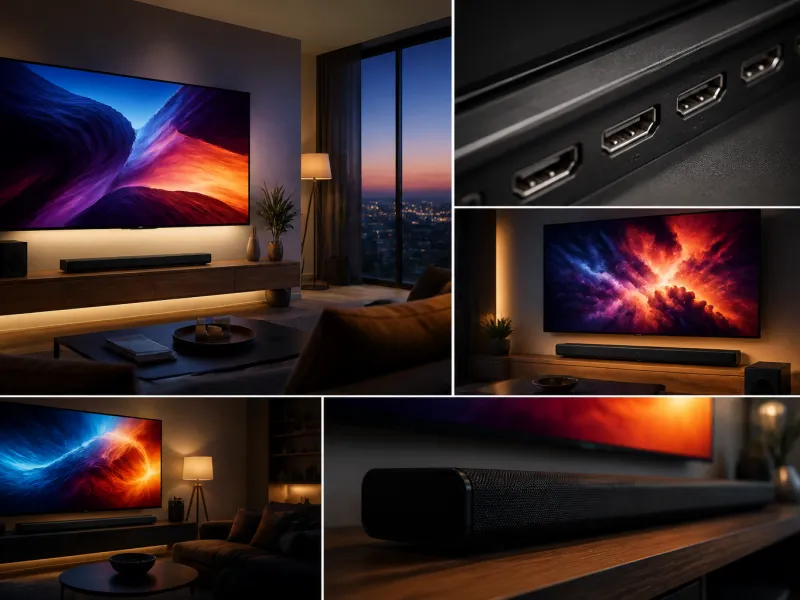
HDR is one of the most talked about features on modern televisions, often listed on the box alongside resolution and screen size. Unlike resolution, which is about the number of pixels, HDR is about the range of brightness and colour each pixel can represent, and it can make a bigger difference to picture quality than resolution alone.
This guide explains what HDR means in plain terms, walks through the main HDR formats you will encounter, and covers what your television and your content both need for HDR to actually work.
01
What HDR actually means
HDR stands for high dynamic range. Dynamic range describes the span between the darkest and brightest parts of an image that a screen can display at the same time. Standard dynamic range content, the kind used for most television broadcasts for decades, was designed around the more limited brightness and contrast capabilities of older screens.
HDR content is mastered with a much wider range in mind, so a scene can contain both deep shadow detail and a bright highlight, such as sunlight through a window, without either being crushed to flat black or blown out to plain white. HDR also typically carries a wider colour range, so it can show more subtle gradations and more saturated colours than standard dynamic range content allows.
 Matching productTV standAmazon →
02
Nits and why brightness matters
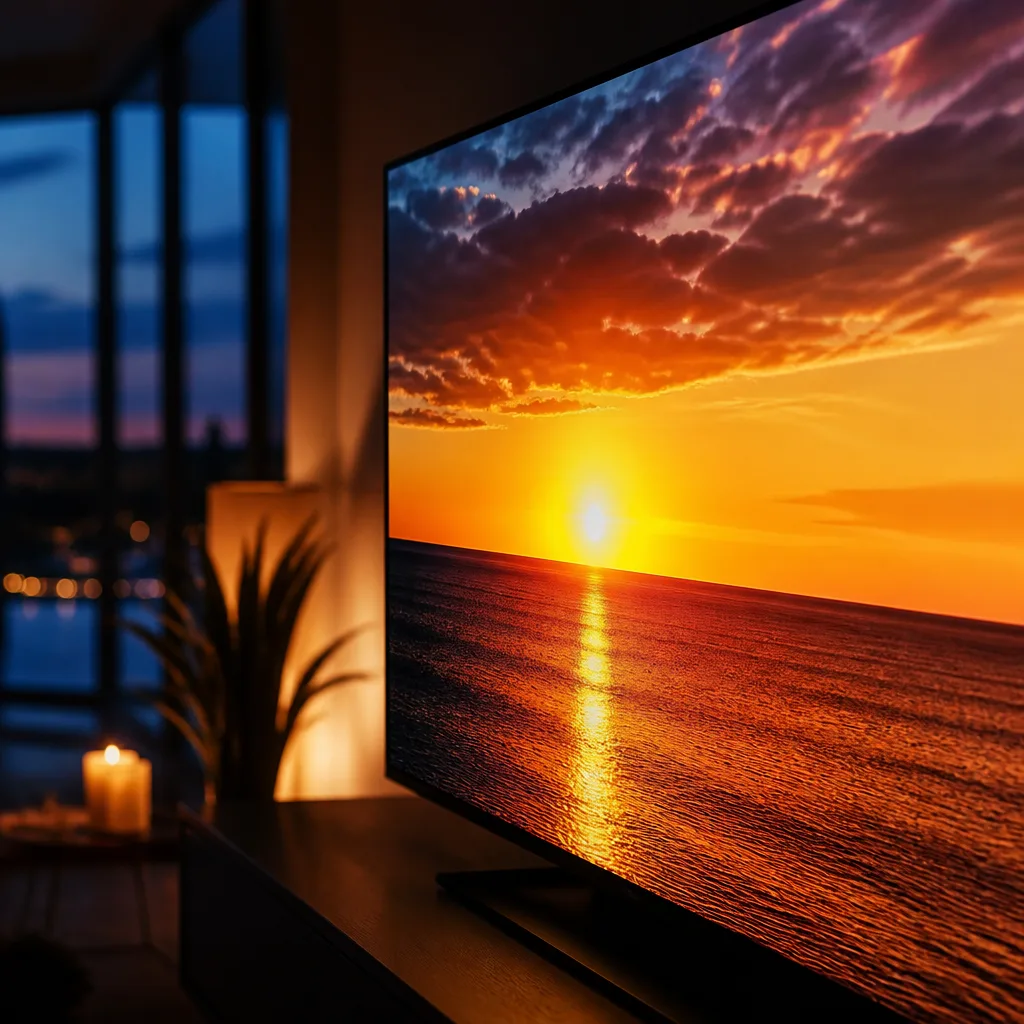
Brightness on televisions is commonly measured in nits, a unit of luminance. HDR content is mastered with specific brightness values in mind, sometimes reaching a thousand nits or more for the brightest highlights in a scene, such as an explosion or a reflection off water. See our peak brightness glossary entry for more on how this is measured and compared between televisions.
Most consumer televisions cannot reach the very highest brightness levels that HDR content is mastered for, especially in a sustained way across a large part of the screen. This is where tone mapping comes in: the television's processing intelligently compresses the wider range of the source content into the range the screen can actually display, aiming to preserve as much of the intended detail and impact as possible rather than simply clipping the brightest areas.
 Matching productProjector screenAmazon →
03
HDR10: the baseline format
HDR10 is the most widely supported HDR format and is considered the baseline that essentially all HDR televisions and HDR content support. It uses static metadata, meaning the brightness and colour information used for tone mapping is set once for the entire film or programme, rather than adjusting scene by scene. See the HDR10 glossary entry for the technical background.
Because it is universally supported and free for manufacturers and content creators to use, HDR10 remains the common denominator across streaming services, Ultra HD Blu-ray discs and most HDR capable hardware. Any HDR television will support at least HDR10.
04
HDR10+ and Dolby Vision: dynamic metadata
HDR10+ and Dolby Vision both improve on baseline HDR10 by using dynamic metadata, meaning the brightness and colour information can change from scene to scene, or even frame by frame, rather than staying fixed for the whole title. This allows the television to tailor its tone mapping more precisely to each moment, which can improve detail in both very bright and very dark scenes within the same programme.
The two formats were developed by different groups of companies and are not identical, though they aim to solve the same underlying problem. Dolby Vision, developed by Dolby, has broader adoption across streaming services and premium content, and often requires a licensing fee from manufacturers, which is one reason not every television supports it. HDR10+, backed by a different group of manufacturers and studios, is royalty free for content creators to use. Many recent mid-range and premium televisions support both formats, but this varies by manufacturer and by model, so it is worth checking a specific television's supported formats if a particular one matters to you.
05
HLG for broadcast
HLG, short for hybrid log-gamma, is an HDR format designed specifically with live broadcast in mind. Unlike HDR10, HDR10+ and Dolby Vision, which rely on separate metadata layered on top of the image, HLG is designed to be backward compatible: the same broadcast signal produces a reasonable standard dynamic range picture on an older television and an HDR picture on a compatible HDR television, without needing two separate versions of the signal. This makes it well suited to live sport and other broadcast content, where preparing separate feeds for different display types is impractical.
06
Comparing the main HDR formats
| Format | Metadata type | Typical use |
|---|---|---|
| HDR10 | Static, set once for the whole title | Universal baseline, widely supported |
| HDR10+ | Dynamic, scene by scene | Royalty free alternative to Dolby Vision |
| Dolby Vision | Dynamic, scene by scene | Widely used on premium streaming and disc content |
| HLG | None, backward compatible signal | Live broadcast and terrestrial television |
07
What a TV needs to display HDR properly
Supporting an HDR format is only part of the picture. A television also needs sufficient peak brightness and good local dimming, discussed in our guide to full array local dimming, to show HDR content the way it was intended. A television that accepts an HDR signal but cannot get particularly bright, or lacks precise control over dark and light areas, will still display the content, but the visible difference from standard dynamic range may be modest.
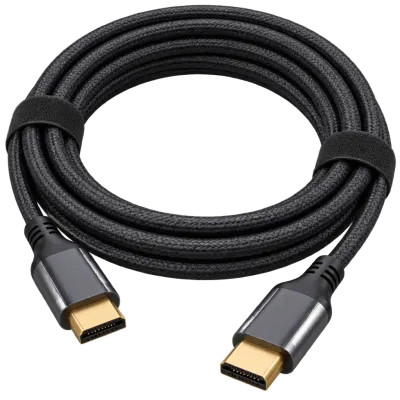
The cabling and connection also matter. To receive a full HDR signal at higher resolutions and refresh rates, an HDMI 2.1 connection and a suitable cable are often required, particularly for 4K HDR content at 120 Hz, which is common with recent games consoles.
 Matching productUltra High Speed HDMI cableAmazon →
08
Where HDR content comes from
Most major streaming services offer a substantial amount of content in HDR, typically at their higher subscription tiers or on titles specifically marked as HDR or Dolby Vision compatible. Ultra HD Blu-ray discs are mastered in HDR by default. Recent games consoles support HDR gaming on a large number of titles, and many PC games also support HDR output on compatible graphics hardware. Live broadcast HDR, using HLG, is less common but growing, particularly for major sporting events in regions that support it.
09
Frequently asked questions
Do I need a special TV for HDR
Yes, the television itself needs to support at least one HDR format, and ideally combine that with strong peak brightness and good local dimming to make a visible difference over standard dynamic range content.
Is Dolby Vision better than HDR10+
Both use dynamic, scene by scene metadata and aim to solve the same problem, so in practice they perform similarly on capable hardware. The bigger practical question is usually which formats your content and your television both support, since a title mastered only in Dolby Vision will fall back to HDR10 on a television that lacks Dolby Vision support.
Why does HDR content sometimes look dim on my TV
This usually points to tone mapping limitations, where the television cannot reach the brightness levels the content was mastered for and compresses the range down, or to a setting such as a picture mode that is not suited to HDR. Checking that the television is in an HDR-appropriate picture mode often helps.
Does HLG work on non-HDR televisions
Yes, that is its specific design goal. An HLG broadcast produces a normal standard dynamic range picture on an older or non-HDR television, and an HDR picture on a compatible one, from the same signal.
Explore
Read next
 TV Panel Types Explained: LCD, QLED, Mini-LED, OLED and MoreAn overview of TV panel technologies, from LCD and QLED to OLED and Micro-LED, compared on blacks, brightness, viewing angle and burn-in ri…
 TV Buying Guide: How to Choose the Right TelevisionA practical, step by step guide that walks you through every decision in buying a television, from screen size to sound.
 TV Size Guide: Screen Sizes and Viewing DistanceA practical guide to translating screen diagonal into real dimensions and choosing the right size for your viewing distance and room.