
6 min read
TV Size Guide: Screen Sizes and Viewing Distance
A practical guide to translating screen diagonal into real dimensions and choosing the right size for your viewing distance and room.
Screen size is usually the first thing people decide when buying a television, yet it is also the decision most often made from habit rather than measurement. This guide explains how the inch measurement printed on the box relates to real centimetres, how far away you should sit for a 4K picture, and how to avoid the sizing mistakes that leave a TV feeling too small or overwhelming once it is installed.
01
Inches, centimetres and width
TV screens are measured diagonally, corner to corner, in inches, following an industry convention that dates back decades. One inch equals 2.54 cm, so a simple multiplication converts the diagonal to centimetres. The width and height depend on the aspect ratio, almost always 16:9 for modern TVs.
| Diagonal (inch) | Diagonal (cm) | Approximate width |
|---|---|---|
| 43 inch | 109 cm | 95 cm |
| 50 inch | 127 cm | 111 cm |
| 55 inch | 140 cm | 122 cm |
| 65 inch | 165 cm | 144 cm |
| 75 inch | 190 cm | 166 cm |
| 85 inch | 216 cm | 188 cm |
Width matters more than most buyers expect, since it is what determines whether a TV physically fits on a piece of furniture or between two windows, not the diagonal alone.
02
Viewing distance for 4K content
Older sizing rules, common in the era of standard definition and early HD, suggested sitting about 2.5 times the screen diagonal away. With 4K content at 3840 by 2160 pixels, the pixel density is high enough that sitting much closer, roughly 1.2 to 1.5 times the diagonal, still looks sharp and gives a noticeably more immersive picture, similar to sitting closer to a cinema screen.
| Viewing distance | Comfortable 4K diagonal range |
|---|---|
| 1.5 m | 40 to 50 inch |
| 2.0 m | 50 to 65 inch |
| 2.5 m | 60 to 75 inch |
| 3.0 m | 70 to 85 inch |
| 4.0 m | 85 inch and larger |
These ranges are guidance, not fixed rules. Personal comfort, eyesight and how immersive you want the picture to be all shift where you land within a range. If you often watch fast action or sport, many people prefer the larger end, while those who mainly watch dialogue heavy content may prefer the smaller end for comfort.
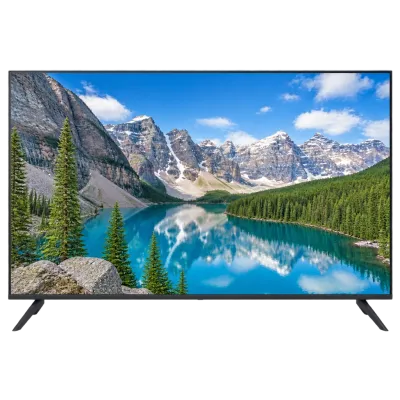 Matching product4K TV 50 inchAmazon →
03
Wall mounting versus a stand
A wall mounted TV sits flatter against the wall, which can bring it slightly closer to seating than a stand of the same nominal position, and it frees up furniture space underneath. A stand offers flexibility to adjust position later and can house a soundbar underneath, but requires furniture deep and sturdy enough for the screen size. When comparing sizes on paper, remember that a wall mounted 65 inch set and a stand mounted 65 inch set can end up at slightly different effective distances from your seat, depending on furniture depth. See wall mounting a TV for installation details.
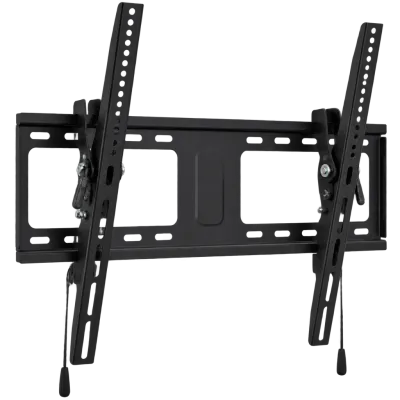 Matching productTilting wall mountAmazon →
04
Planning the room layout
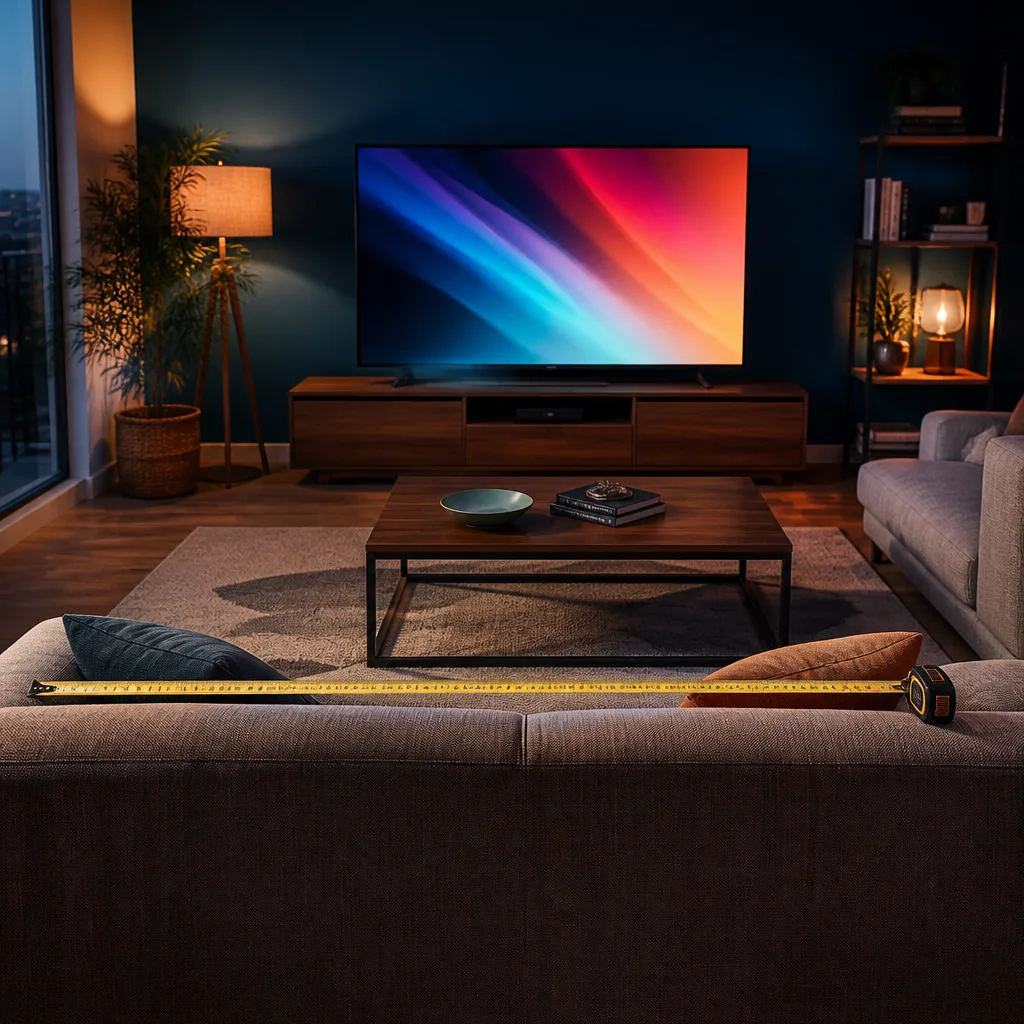
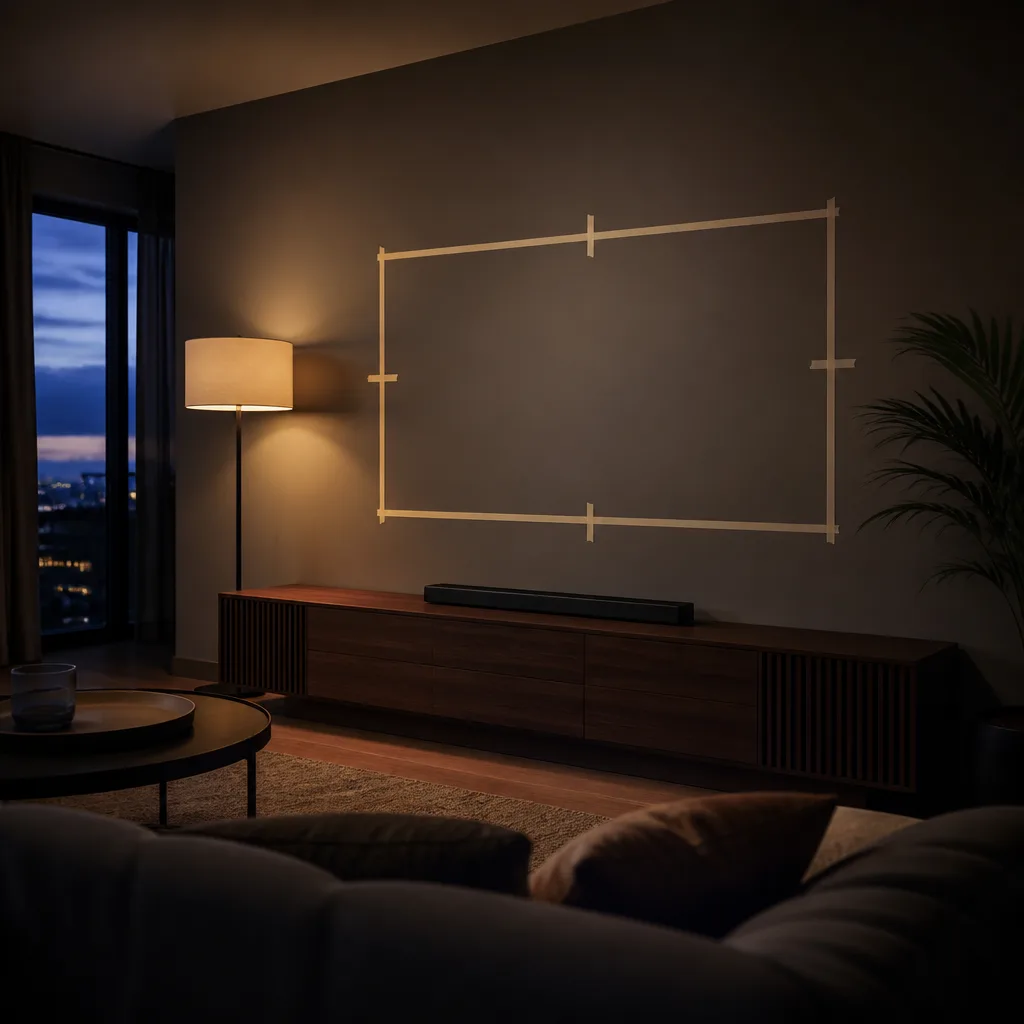
Before buying, mark out the intended TV width and centre height with tape on the wall or furniture, then sit in your usual spot to judge how it feels. Consider the height of the screen centre relative to eye level when seated, ideally close to eye height rather than significantly above it, since a TV mounted too high can strain the neck during long viewing sessions. Also account for windows and light sources that could cause reflections on the screen at certain times of day.
 Matching productProjector screenAmazon →
05
Comparing screen area, not just diagonal
Two screens described a few inches apart in diagonal can differ in actual screen area by a larger margin than the number suggests, because area grows with the square of the diagonal rather than in a straight line. Moving from a 55 inch to a 65 inch screen, for example, increases the visible area by close to forty percent, considerably more than the size difference in inches alone implies. This is one reason a jump that sounds modest on the box can feel like a much bigger change once the television is actually in the room, and it is worth keeping in mind when comparing two sizes that seem close on paper.
06
Common sizing mistakes
- Choosing size by budget alone. A larger screen bought because it was the best value can end up too big or too small for the actual seating distance.
- Ignoring furniture width. A screen can be narrower than expected on paper yet still not fit comfortably between existing furniture or windows.
- Forgetting the old 2.5 times rule for 4K. Sizing for old viewing distance guidance often results in a screen that looks smaller than it should once 4K content is playing.
- Not checking wall structure before mounting. Larger sets are heavy, and a wall mount needs a suitable stud or masonry anchor point, covered further in our wall mounting guide.
- Overlooking the viewing angle from secondary seating. A size that suits the main seat may look different from a side sofa or dining table, especially relevant for panel types with narrower viewing angles.
 Matching product4K TV 43 inchAmazon →
07
Matching size to panel type
Viewing angle and brightness, which vary between OLED and QLED panels, interact with room layout. A wide seating arrangement with people at different angles benefits from a panel type with consistent colour and contrast off axis. A single main viewing position gives more flexibility, since the best angle is often satisfied regardless of panel choice. If your household regularly watches from a corner sofa or a kitchen counter alongside the main seating area, weigh this alongside the diagonal you choose, since a large screen viewed sharply off axis can lose some of the contrast and colour accuracy it shows from the centre seat.
 Matching productOLED TV 55 inchAmazon →
08
Aspect ratio and letterboxing
Almost all televisions sold today use a 16:9 aspect ratio, matching most broadcast and streaming content. Some films are shot in a wider cinematic ratio, which appears with thin black bars above and below the picture on a 16:9 screen. This is normal and does not indicate a fault or a wrong size choice. It does mean that the effective picture height during such content is slightly smaller than the screen's full height, which experienced viewers sometimes factor into their size decision if they watch a lot of widescreen film content.
09
Multiple TVs in one household
The size guidance in this article applies independently to each room. A large diagonal that suits a spacious living room with distant seating is rarely the right choice for a smaller bedroom or a kitchen with a much shorter viewing distance. Measure and plan each location on its own rather than assuming the same size fits every room, and remember that a secondary TV often benefits more from a comfortable size than from a large one, since it is typically watched briefly and from a fixed, nearby position.
10
Frequently asked questions
Is bigger always better for a 4K TV?
Not necessarily. Bigger is better only up to the point that matches your viewing distance and room. Beyond that, pixels become visible or the picture becomes uncomfortable to take in from a normal seat, especially for content with a lot of fast motion.
How do I measure viewing distance accurately?
Measure from the point where your eyes normally sit while seated in your usual spot to the wall or furniture surface where the screen will be, using a tape measure rather than an estimate, since even half a metre changes which size range fits.
Does screen curvature change the size guidance?
Curved televisions are uncommon in current lineups, but where available they are generally viewed similarly to flat panels at the diagonal based distances described above.
Should I size differently for a bedroom compared to a living room?
Bedrooms often have a fixed, closer viewing distance from a bed, so a smaller diagonal frequently looks correct even though it seems modest compared to a living room screen. Apply the same distance based table using the actual bed to wall distance.
Explore
Read next
 TV Panel Types Explained: LCD, QLED, Mini-LED, OLED and MoreAn overview of TV panel technologies, from LCD and QLED to OLED and Micro-LED, compared on blacks, brightness, viewing angle and burn-in ri…
 TV Buying Guide: How to Choose the Right TelevisionA practical, step by step guide that walks you through every decision in buying a television, from screen size to sound.
 TV Glossary: Terms Explained from A to ZA quick reference glossary of TV terms from A to Z, from panel types and HDR to connections, sound and reception.