
6 min read
TV Buying Guide: How to Choose the Right Television
A practical, step by step guide that walks you through every decision in buying a television, from screen size to sound.
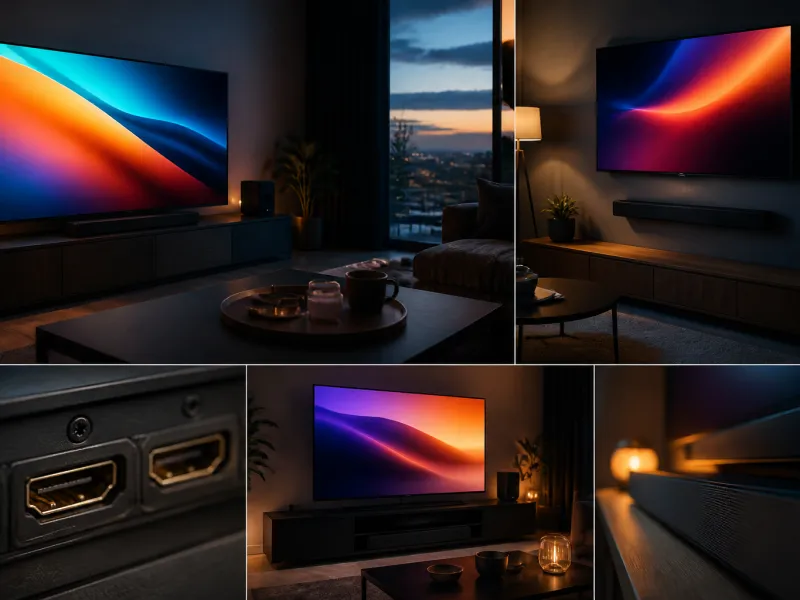
Buying a new television involves more decisions than the screen size on the box. Panel technology, resolution, HDR support, refresh rate, connections and the smart platform all affect how much you enjoy the set once it is on your wall or stand. This guide walks through each decision in a sensible order, so you can shop with a clear list of what actually matters for how you watch.
None of the steps require technical background. We explain each term as it comes up, and point to deeper articles if you want more detail on a single topic.
01
Step 1: Measure your room and pick a size
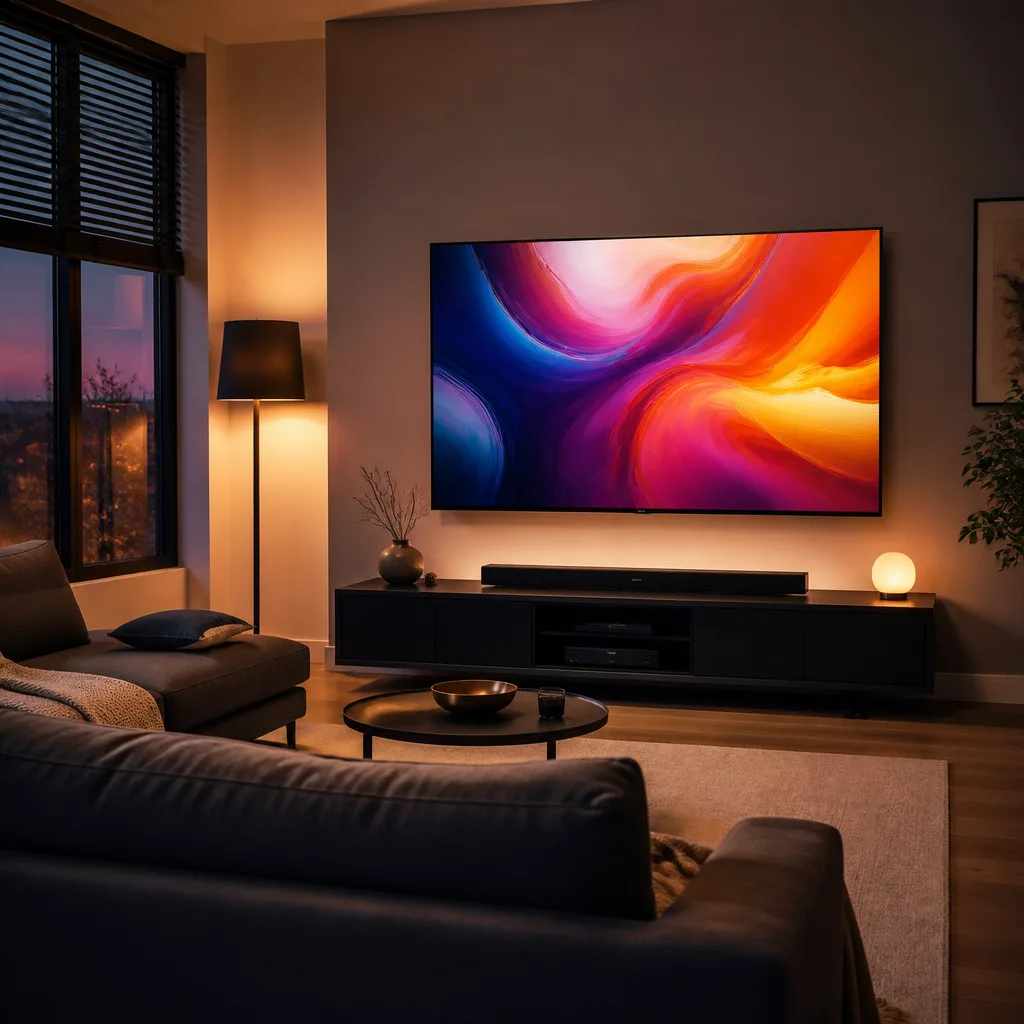
Start with the room, not the screen. Measure the distance between your usual seating position and the wall where the TV will sit. For modern 4K content, a comfortable viewing distance is roughly 1.2 to 1.5 times the screen diagonal, which is closer than older guidance that suggested 2.5 times the diagonal. Sitting closer lets you appreciate the extra sharpness of a 4K picture and makes the image feel more immersive.
| Seating distance | Suggested diagonal |
|---|---|
| 2.0 m | around 55 inch (140 cm) |
| 2.5 m | around 65 inch (165 cm) |
| 3.0 m | around 75 inch (190 cm) |
| 3.5 m or more | 77 to 85 inch (195 to 216 cm) or larger |
Also check the width of the furniture or wall space available, and whether the set will stand on a piece of furniture or be wall mounted. Our size and viewing distance guide covers this in more depth, including how to measure with tape and paper before you buy.
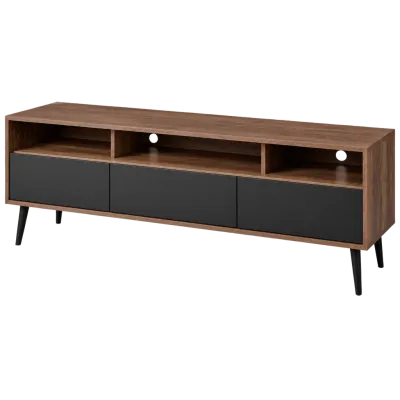 Matching productTV standAmazon →
02
Step 2: Choose a panel type
The panel is the core display technology, and it shapes contrast, black levels, brightness and viewing angle.
- OLED panels light each pixel individually, so they can switch a pixel fully off for a true black. This gives excellent contrast and wide viewing angles, useful in a living room where people sit at different angles. Modern OLED panels have reduced the risk of permanent image retention (burn in) considerably compared to early models, though it is not entirely eliminated with static content shown for very long periods.
- QLED is an LCD panel with an added quantum dot layer that widens colour volume and boosts brightness. Because it is still an LCD, black levels depend on the backlight technology behind it rather than on the panel itself.
- Mini-LED refers to an LCD backlight built from thousands of small LEDs arranged in dimming zones. More zones allow finer local dimming, improving contrast in dark scenes with bright highlights compared to older LCDs with only a handful of zones.
Bright rooms with a lot of daylight often suit brighter LCD based panels, while darker rooms let an OLED panel show off its contrast. See OLED vs QLED and TVs for bright rooms for a closer comparison.
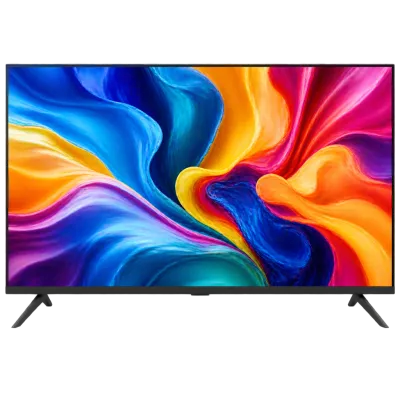 Matching productQLED TV 55 inchAmazon →
03
Step 3: Understand resolution
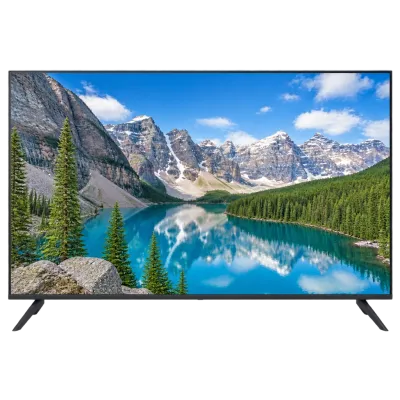
Almost every television sold today is 4K UHD, meaning a resolution of 3840 by 2160 pixels, four times the pixel count of older full HD sets. 8K sets, at 7680 by 4320 pixels, exist but native 8K content remains rare, so most buyers are better served by a good 4K panel than by a resolution jump with little content to show for it.
 Matching product4K TV 50 inchAmazon →
04
Step 4: Check HDR support
High Dynamic Range, or HDR, allows a picture with brighter highlights, deeper shadows and a wider range of colours than standard video. Several formats exist. HDR10 is the baseline, supported almost everywhere, and uses a single set of brightness instructions for the whole film. Dolby Vision and HDR10+ use dynamic metadata that can adjust scene by scene, which can improve results on the right content and display. HLG is mainly used for live broadcasts. A TV that supports several formats gives you the best chance of getting HDR benefits regardless of source. Read more in our HDR explained guide.
05
Step 5: Refresh rate and gaming features
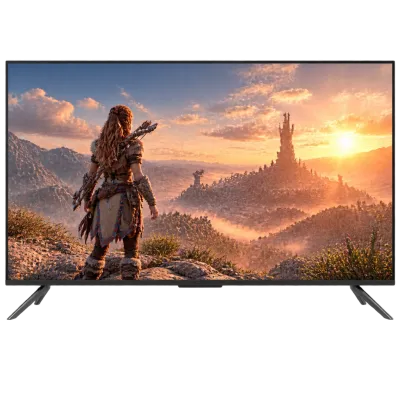
Refresh rate describes how many times per second the picture updates, measured in Hertz (Hz). A 120 Hz panel can show smoother motion in fast sport and action content, and matters for gaming. If you play games, look for HDMI 2.1 support, which enables 4K at 120 Hz, Variable Refresh Rate (VRR) to reduce screen tearing, and Auto Low Latency Mode (ALLM), which automatically switches the TV to a faster, lower latency picture mode when a console starts a game. Our refresh rate and gaming guide and TVs for gaming article go into detail.
 Matching product120 Hz gaming TVAmazon →
06
Step 6: Connections you will need
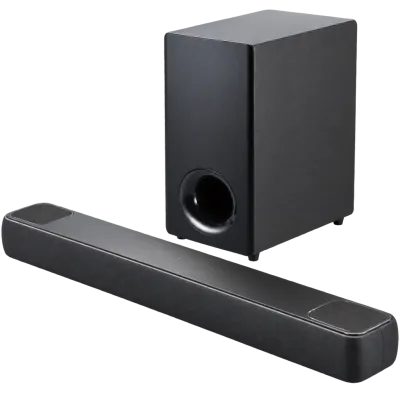
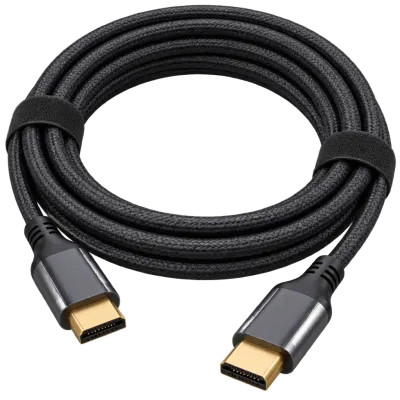
Count how many devices you plan to connect: game console, streaming stick, soundbar, cable or satellite receiver. Two or three HDMI ports is often not enough once you add all of these, so check the total number and, if you care about gaming or high frame rate content, how many of them support the full HDMI 2.1 bandwidth. Also check for an eARC enabled HDMI port if you plan to use a soundbar or AV receiver, since it carries higher quality audio back from the TV to the sound system. Full details are in connections and setup and HDMI 2.1 explained.
 Matching productDolby Atmos soundbarAmazon →
07
Step 7: Tuner and reception
If you plan to watch broadcast television without a separate receiver box, check which tuner standards the TV includes. Terrestrial, satellite and cable broadcasting standards differ by country and region, and older televisions sometimes lack the tuner needed for current broadcasts in your area, so confirm compatibility with your country's standard before assuming a built in tuner will work. See our antenna and reception guide for more.
 Matching productDVB-T2 antennaAmazon →
08
Step 8: Smart platform and apps
The smart TV operating system controls the home screen, app store and voice features. Platforms differ in app selection, update frequency and interface style, and this can matter more day to day than small hardware differences. If you already use a particular ecosystem for phones or streaming, checking that its apps are well supported can save frustration. Our smart TV platforms guide compares the main options, and streaming devices covers external streaming sticks and boxes as an alternative or addition to built in apps.
 Matching product4K streaming stickAmazon →
09
Step 9: Sound
Thin televisions leave little room for speakers that can fill a room, so many buyers add a soundbar or a full AV receiver setup at some point. Deciding this before you buy can influence which connections you prioritise on the TV, particularly eARC support. See sound and streaming and soundbar guide for a full overview.
10
Step 10: Energy label
Since 2021 the EU energy label uses a scale from A to G, replacing the older A+++ scale, and larger and brighter screens generally use more electricity. Checking the label lets you compare running costs between models of similar size before you decide, and the energy consumption guide explains how to read it and how to reduce standby power afterwards.
11
Checklist before you buy
| Question | Why it matters |
|---|---|
| What size fits my seating distance and furniture? | Determines comfort and immersion |
| OLED or LCD based (QLED, Mini-LED)? | Affects contrast, brightness and room suitability |
| Which HDR formats are supported? | Affects picture on modern streaming and disc content |
| Does it support HDMI 2.1 and VRR for gaming? | Matters if you play games |
| How many HDMI ports, and is one eARC? | Determines how many devices you can connect well |
| Which tuner standard does it include? | Needed for broadcast reception without a receiver box |
| Which smart platform does it run? | Shapes daily use and app availability |
| What is the energy label? | Affects running cost over the years |
 Matching productUltra High Speed HDMI cableAmazon →
12
Frequently asked questions
Do I need 8K in 2026?
For most buyers, no. Native 8K content remains limited, and a good 4K set viewed at a sensible distance already looks sharp. Prioritise panel quality and HDR support over resolution beyond 4K.
Is a more expensive TV always the better choice?
Not necessarily. The right choice depends on your room, viewing habits and which features you actually use, such as gaming or broadcast reception. Matching the specification to your needs matters more than chasing the highest numbers.
Can I add sound and connections later?
Yes, a soundbar, AV receiver or streaming stick can usually be added after purchase. It still helps to check the TV has enough HDMI ports and an eARC connection in advance, so you are not limited later.
Does panel type affect gaming performance?
Panel type mainly affects picture quality rather than input lag. Gaming performance depends more on refresh rate, HDMI 2.1 support, VRR and the TV's game mode, all of which can exist on OLED or LCD based sets.
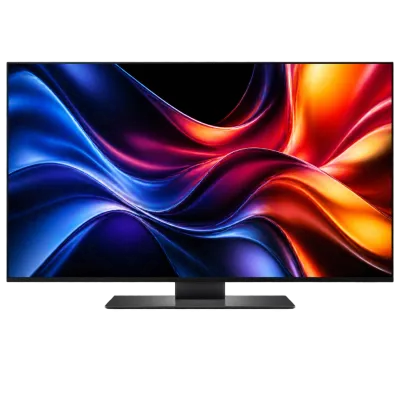 Matching productOLED TV 55 inchAmazon →
Explore
Read next
 TV Panel Types Explained: LCD, QLED, Mini-LED, OLED and MoreAn overview of TV panel technologies, from LCD and QLED to OLED and Micro-LED, compared on blacks, brightness, viewing angle and burn-in ri…
 TV Size Guide: Screen Sizes and Viewing DistanceA practical guide to translating screen diagonal into real dimensions and choosing the right size for your viewing distance and room.
 TV Glossary: Terms Explained from A to ZA quick reference glossary of TV terms from A to Z, from panel types and HDR to connections, sound and reception.