
6 min read
Streaming devices guide
Streaming sticks, boxes and consoles compared: resolution and HDR support, wired versus wireless, and when built in TV apps are enough.
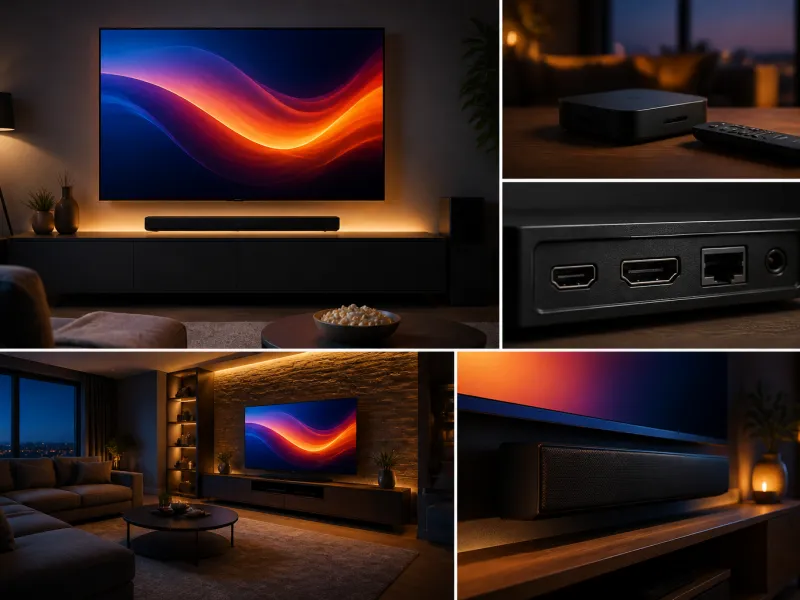
Many televisions include smart TV apps built in, yet a large market exists for separate streaming devices such as sticks, small set top boxes and game consoles used purely as media players. This guide explains the main types, what to check for support and connectivity, and when a built in smart TV platform is already enough on its own.
01
Types of streaming devices
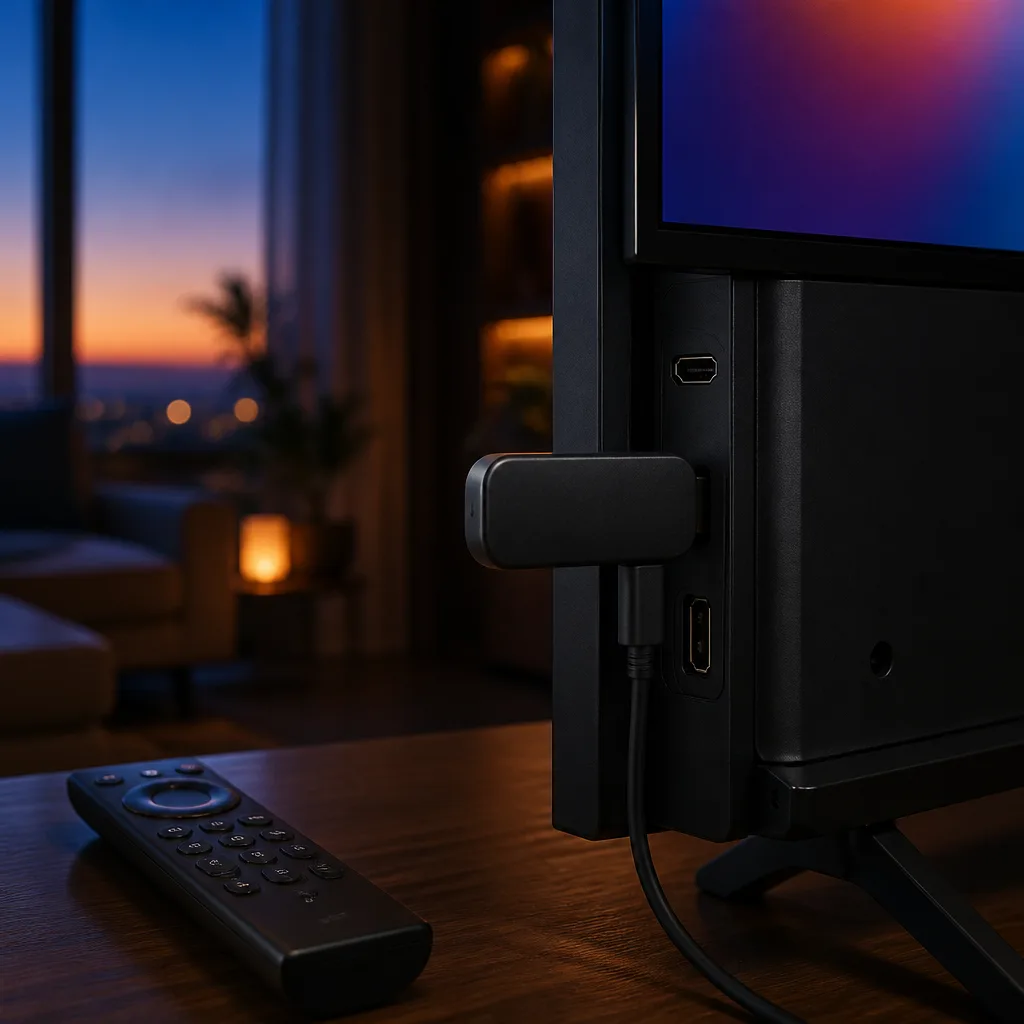
Streaming devices generally fall into a few categories. A streaming stick is a compact device that plugs directly into an HDMI port and draws power from a cable, offering a simple way to add or upgrade smart features on an older television. A set top box, sometimes called a media player, is a slightly larger unit that sits near the television, often with more processing power and storage than a stick. Game consoles, while designed primarily for gaming, also function as capable streaming players, running many of the same apps as dedicated devices.
Deciding between these types usually comes down to what else the device needs to do. A stick is the simplest and most portable option, easy to move between televisions or take when travelling. A box or console tends to suit a fixed, primary television where a little extra space behind or beside the set is not a concern and stronger performance is preferred.
 Matching product4K streaming stickAmazon →
02
4K and HDR support
Not every streaming device supports the same resolution and dynamic range as the television it is connected to. Some entry level sticks are limited to Full HD, while others support 4K and formats such as HDR10 or Dolby Vision. Since the streaming device sits between the content source and the television in the signal chain, both the device and the television need to support a given resolution and HDR format for you to actually see it. See the guide on HDR explained for what these formats add to the picture.
| Device tier | Typical support |
|---|---|
| Basic streaming stick | Full HD, sometimes 4K, HDR support varies by model |
| Mid range stick or box | 4K with common HDR formats such as HDR10 |
| Premium box or current console | 4K, wider HDR format support, faster app performance |
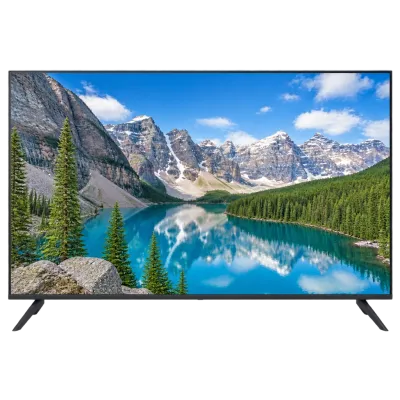 Matching product4K TV 50 inchAmazon →
03
Wi-Fi versus Ethernet
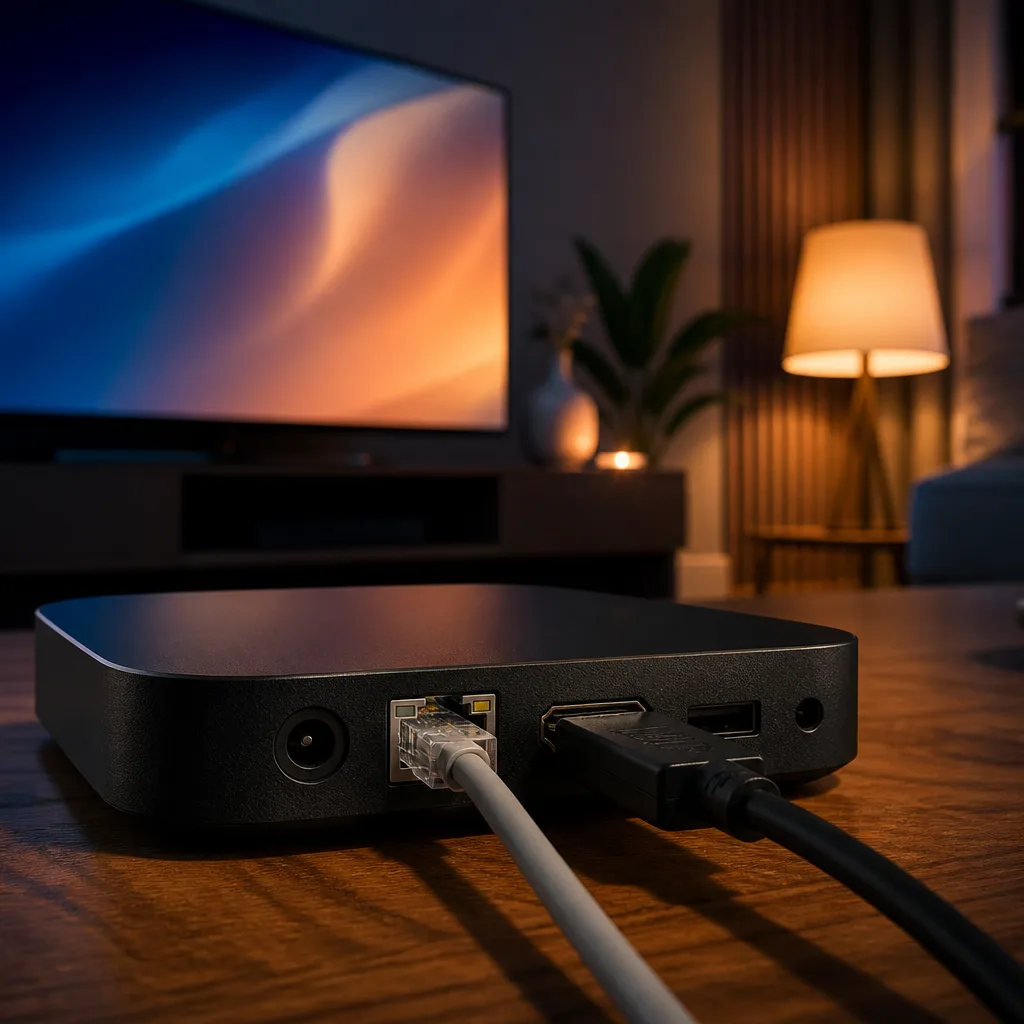
Streaming devices connect to the internet either over Wi-Fi or, on models that include the port, a wired Ethernet connection. Wi-Fi is more convenient since it needs no additional cable, and modern Wi-Fi standards are fast enough for high quality 4K streaming in most homes. A wired Ethernet connection generally offers a more stable, consistent connection, which can help in homes where Wi-Fi signal is weak at the television's location, or where several other devices are competing for the same wireless network.
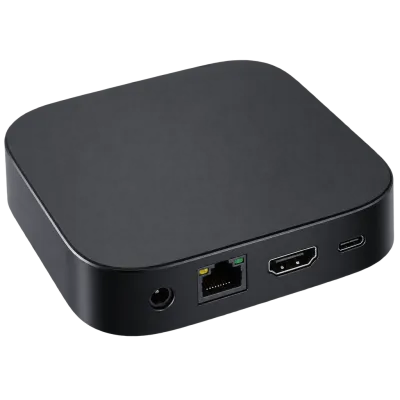 Matching productStreaming boxAmazon →
04
Remote controls and voice
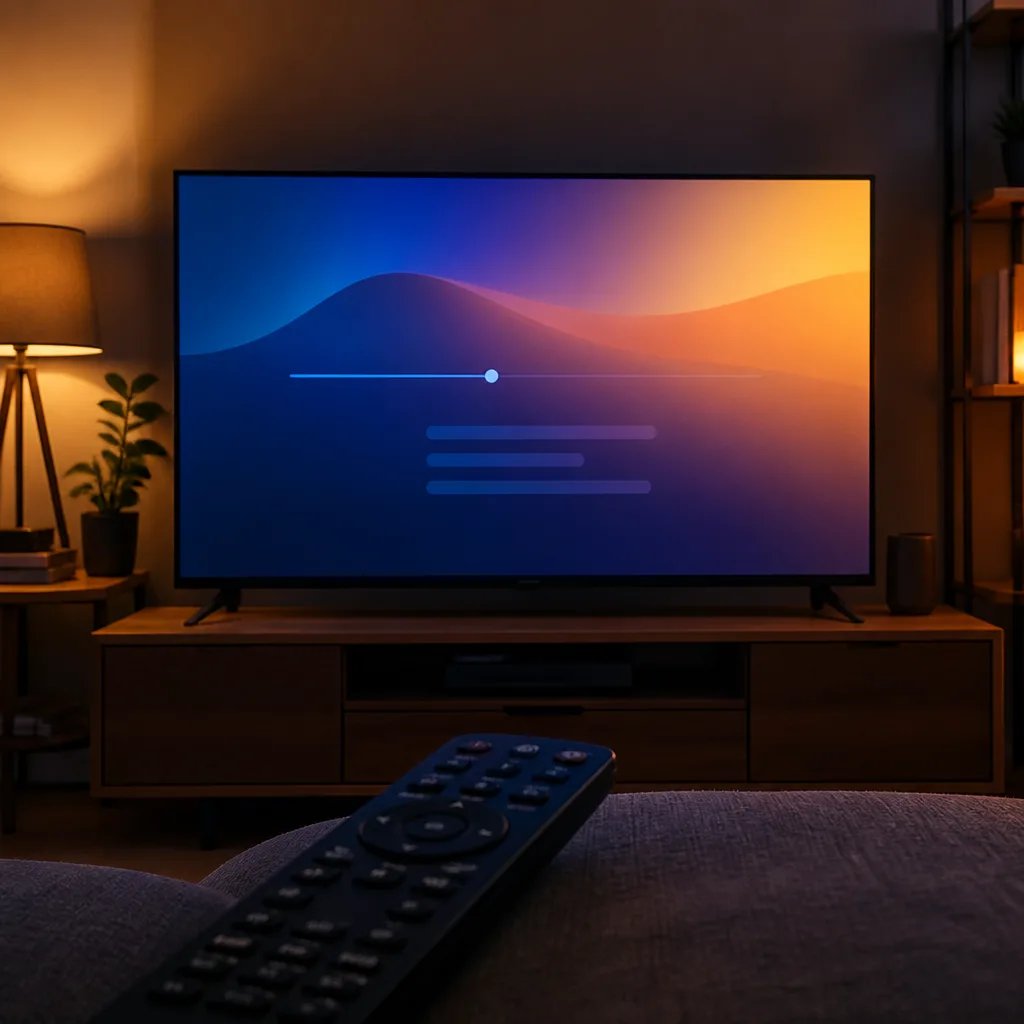
Most current streaming devices include a remote with a built in microphone for voice search, letting you search for content or open an app by speaking rather than typing with an on screen keyboard. Some remotes also include dedicated buttons for popular streaming apps or for controlling the television's power and volume directly, reducing the number of remotes needed on the coffee table. If losing a small remote is a concern in your household, some devices also offer a companion phone app as an alternative way to control playback.
05
When built in smart TV apps are enough
Most current televisions include a smart TV platform with a reasonably complete set of streaming apps built in. If your television is relatively recent, its apps run smoothly, and it already covers the services you use, a separate streaming device may add little beyond what is already available. A separate device becomes more useful when a television's apps feel slow or outdated, when it lacks a service you want, or when you want to bring a consistent streaming experience with you between different televisions, for example between a main living room set and a bedroom television of a different age or brand.
06
Storage and app performance
A device is only as useful as the apps it runs well, day after day, once the novelty of a new gadget has worn off.
Beyond resolution and connectivity, the amount of processing power and memory built into a streaming device affects how quickly apps open, how smoothly menus scroll, and how well the device keeps up as apps are updated over time. A basic stick is usually adequate for occasional use with one or two main apps, while a household that switches between many different services, or that wants a snappy, modern interface, tends to notice the difference a more capable device makes after a year or two of app updates.
Some devices also offer expandable storage or the ability to install additional apps beyond the ones offered by default, which can matter if a niche service you use is not preinstalled on simpler models. If you rely on a specific app that is less common, it is worth checking its availability on a given device before buying rather than assuming every streaming platform supports every app equally.
07
Setting up a new streaming device
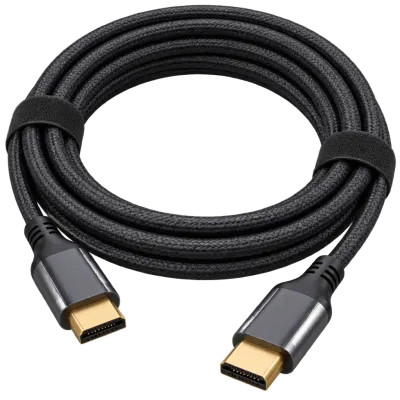
Initial setup usually involves connecting the device to an HDMI port, powering it on, and following an on screen process to join your Wi-Fi network or connect an Ethernet cable, then signing in to the accounts for the streaming services you use. Selecting the correct video output settings, matching the resolution and HDR format to what your television actually supports, avoids situations where the device outputs a signal the television cannot display correctly. Many devices also detect your television's capabilities automatically during setup, though it is worth checking the picture output settings afterwards if anything looks unusual, such as unexpectedly dim highlights or a picture that does not fill the screen correctly.
 Matching productUltra High Speed HDMI cableAmazon →
08
Choosing the right device
Match the device to what you actually need: check that its maximum resolution and HDR support align with your television, confirm it supports the streaming services you use, and consider a wired Ethernet option if your Wi-Fi coverage near the television is weak. Think also about how many remotes and devices you want on the coffee table, since a device with strong voice search and dedicated app buttons can reduce reliance on typing with an on screen keyboard for everyday use. For a household already satisfied with a smart TV's built in apps, spending on a separate device may not be necessary at all.
09
Frequently asked questions
Do I need a streaming device if my TV already has apps built in?
Not necessarily. If the built in apps run smoothly and cover the services you use, a separate device may add little. It becomes more worthwhile when the built in software feels slow, dated, or is missing something you need.
Is Wi-Fi fast enough for 4K streaming?
In most homes, yes, provided the signal at the television's location is reasonably strong. If 4K streams frequently buffer or drop in quality, a wired Ethernet connection, where the device supports one, often resolves the issue.
Can a game console replace a dedicated streaming device?
Yes, in many households a console already installed for gaming also runs the same major streaming apps, which can make a separate streaming device unnecessary if the console is already connected and used regularly.
Does every streaming device support Dolby Vision?
No, support varies by model and price tier. Check the specific device's listed HDR format support if Dolby Vision content matters to you, since some devices support only HDR10 or a narrower range of formats.
Explore
Read next
 TV Panel Types Explained: LCD, QLED, Mini-LED, OLED and MoreAn overview of TV panel technologies, from LCD and QLED to OLED and Micro-LED, compared on blacks, brightness, viewing angle and burn-in ri…
 TV Buying Guide: How to Choose the Right TelevisionA practical, step by step guide that walks you through every decision in buying a television, from screen size to sound.
 TV Size Guide: Screen Sizes and Viewing DistanceA practical guide to translating screen diagonal into real dimensions and choosing the right size for your viewing distance and room.