
5 min read
Smart TV platforms explained: apps, updates and when to use a stick instead
Every modern TV runs a smart TV operating system. Here is what that software actually does, how it changes over time, and when a separate streaming stick is worth adding.
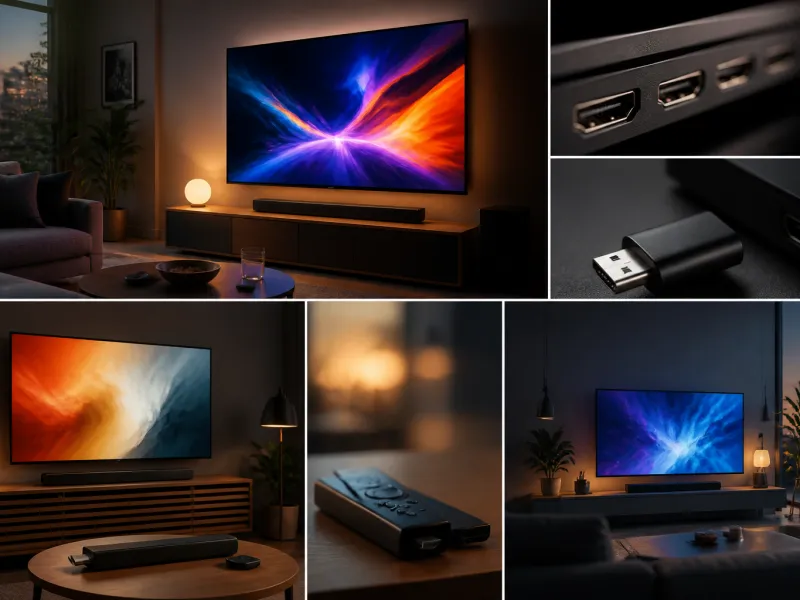
Almost every television sold today is a smart TV, meaning it runs its own built-in software platform capable of connecting to the internet, running apps and offering features beyond simply displaying a picture from a connected source. This software, often called the television's operating system or platform, shapes daily use as much as the screen technology itself.
This guide explains what a smart TV platform actually does, how apps and software updates work over the life of the television, general notes on advertising and privacy, how voice control fits in, and when adding a separate streaming stick makes more sense than relying on the television's built-in system.
01
What a TV operating system actually does
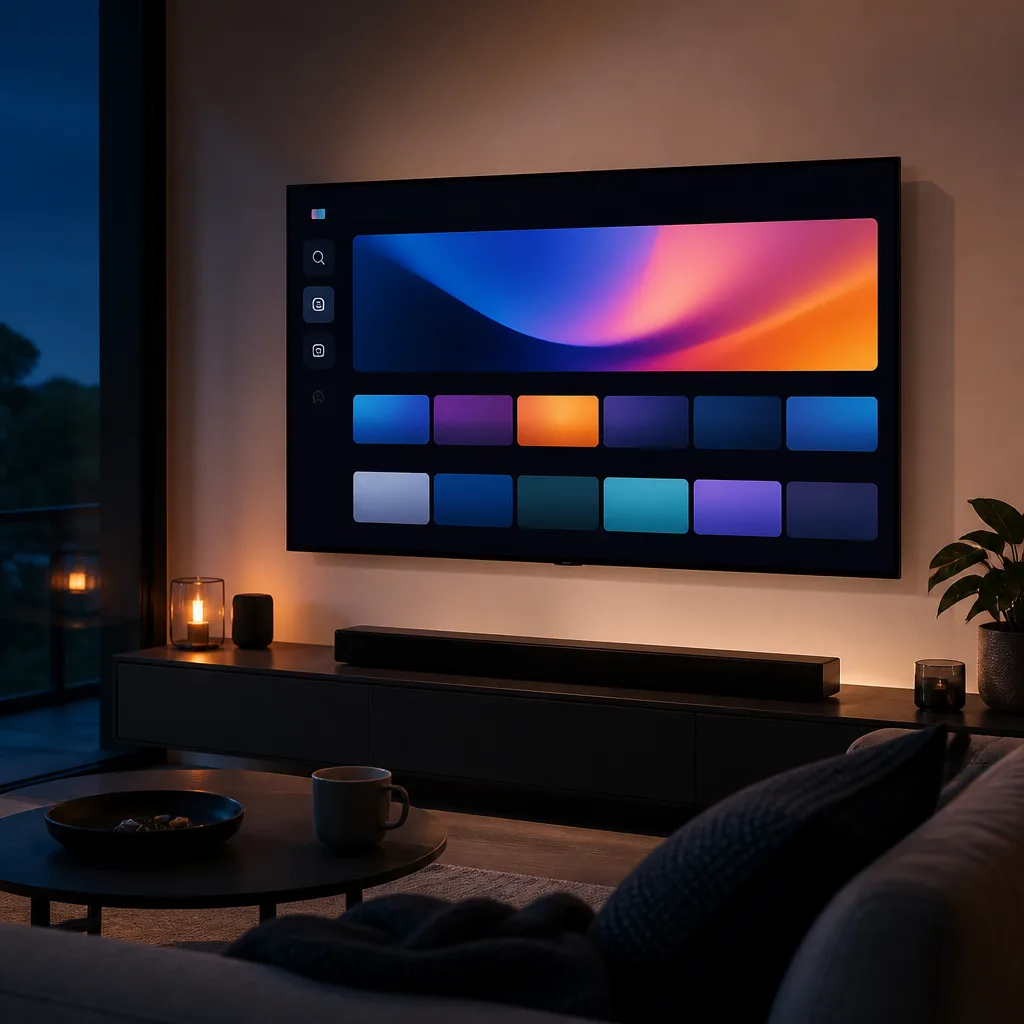
A television's operating system is the software layer that runs the home screen, manages installed apps, connects to your home network, and coordinates with the television's hardware to display everything from streaming video to broadcast channels. See our TV operating system glossary entry for the underlying definition.
Several different platforms exist across the television market, developed either by the television manufacturers themselves or licensed from a separate software company. Each has its own visual style, app store and navigation, but they all serve the same basic purpose: giving you a way to reach content and settings without connecting a separate device.
02
Apps and content access
Smart TV platforms include an app store where you can install streaming services, catch up television apps from broadcasters, and various other applications, similar in concept to an app store on a smartphone. Most major streaming services are available on most major platforms, though the exact catalogue of available apps and how frequently they receive feature updates can vary between platforms and between individual television models within the same platform.
Many platforms also aggregate content across installed apps into a unified home screen or search function, letting you look for a title once and see which of your installed services offer it, rather than checking each app individually.
 Matching product4K streaming stickAmazon →
03
Software updates over the television's lifetime
Like a smartphone or computer, a smart TV's software receives periodic updates from the manufacturer, which can add new features, improve performance, patch security issues or update individual apps. How long a given television model continues to receive these updates varies by manufacturer and model, and generally support tapers off a number of years after a model's release as manufacturers focus updates on newer hardware.
A television that no longer receives software updates can still be used for broadcast television and for any connected source device, but its built-in apps may eventually stop working correctly or lose access to certain streaming services entirely, as those services update their own requirements over time. This is one reason connecting an external streaming device can extend a television's useful life, since the streaming device can be replaced or updated independently of the television itself.
04
Advertising and privacy in general terms
Smart TV platforms commonly generate revenue not only from the television's sale price but also from advertising shown within the platform's own interface, such as on the home screen, and in some cases from data collected about viewing habits, used to inform recommendations or advertising elsewhere. The details of what is collected and how it is used vary by platform and by region, and are generally described in each platform's own privacy policy and settings.
Most platforms offer settings that let you limit some of this data collection and personalised advertising, typically found within the television's privacy or account settings menu, though the options and their effectiveness vary between platforms. If minimising this kind of data collection and interface advertising matters to you, it is worth reviewing a specific platform's settings and privacy policy directly, since the details differ from one platform to another and change over time as policies are updated.
05
Voice control
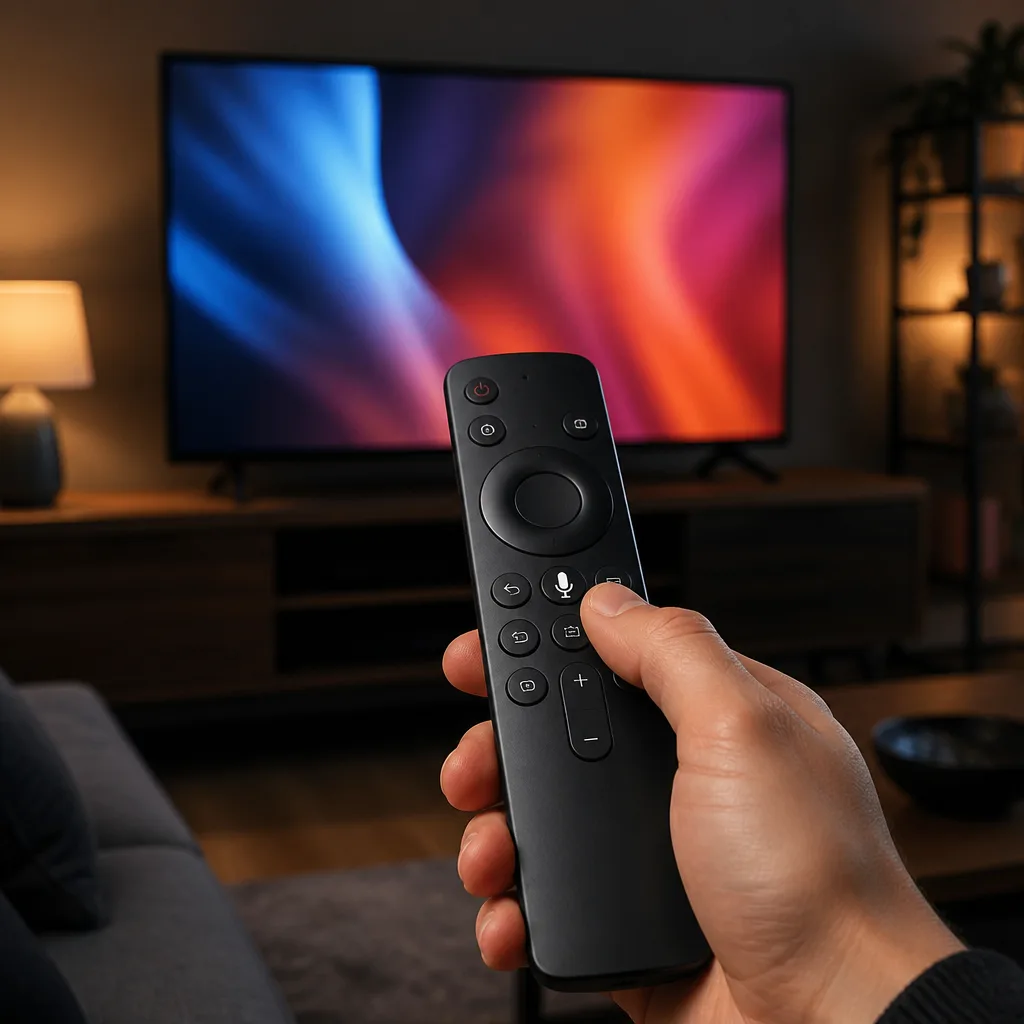
Most current smart TV platforms include some form of voice control, usually accessed through a microphone button on the remote control or through a connected voice assistant device. Voice control typically allows you to search for content by title or genre across installed apps, launch apps, and adjust some settings, without needing to type using an on-screen keyboard, which can otherwise be a slow way to search using a remote control's directional buttons.
The depth of voice control varies by platform, from simple search functions to broader smart home and assistant style integration. As with other connected features, voice control generally requires the television to be connected to the internet and, in most implementations, involves sending voice queries to a server for processing, which is worth being aware of if you have concerns about how voice data is handled, and is covered by the same general privacy settings mentioned above.
06
Comparing built-in platform use with a separate streaming stick
| Consideration | Built-in smart TV platform | Separate streaming stick or box |
|---|---|---|
| Setup | Nothing extra to connect | Needs an HDMI port and its own remote |
| App selection and updates | Depends on the television's ongoing support | Can be replaced or upgraded independently |
| Performance over time | May slow down as the television ages | Newer stick hardware can keep interface performance current |
| Extending an older TV | Limited once updates stop | Effective way to add current apps to an older screen |
07
When a streaming stick is the better choice
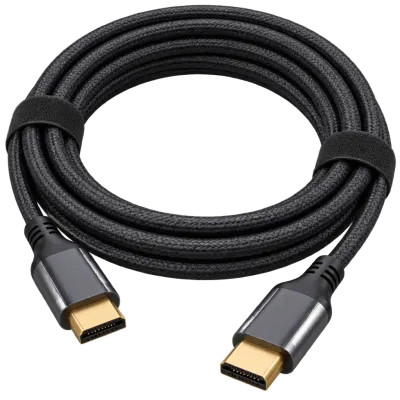
A separate streaming stick or box, connected through an HDMI port, is worth considering when a television's built-in platform has stopped receiving updates, feels slow to navigate, is missing an app or service you rely on, or when you simply prefer a particular stick's interface and search features over the one built into the television. Since a streaming stick is a relatively inexpensive, self-contained device, it can be replaced on its own schedule without needing to replace the whole television.
It is also a practical option for an older television that predates smart features altogether, or one that only has a very early, limited version of a smart platform. As long as the television has a free HDMI input, connecting a streaming stick brings it up to date with current apps regardless of the television's own built-in software. Our streaming devices guide covers choosing between the available types of external devices in more detail, and our connections and setup guide covers cabling and remote control considerations for adding one.
 Matching productUltra High Speed HDMI cableAmazon →
08
Frequently asked questions
Do all smart TVs run the same software
No. Several different platforms exist, developed by different manufacturers or licensed from separate software companies, each with its own interface, app store and update schedule.
Why has my TV stopped getting some apps
Older televisions may no longer receive the software updates that some apps require to keep working, as streaming services periodically update their own technical requirements. This becomes more likely for models several years past their original release.
Is a streaming stick better than a smart TV's built-in apps
Not necessarily better, but it can be more flexible, since it can be replaced or upgraded independently of the television. It is particularly useful for extending the life of an older television or replacing a platform that is missing a service you use.
Can I turn off advertising on a smart TV home screen
Many platforms offer some settings to limit personalised advertising and data collection, usually within the privacy or account settings menu, though what can be adjusted and how effective it is varies between platforms.
Explore
Read next
 TV Panel Types Explained: LCD, QLED, Mini-LED, OLED and MoreAn overview of TV panel technologies, from LCD and QLED to OLED and Micro-LED, compared on blacks, brightness, viewing angle and burn-in ri…
 TV Buying Guide: How to Choose the Right TelevisionA practical, step by step guide that walks you through every decision in buying a television, from screen size to sound.
 TV Size Guide: Screen Sizes and Viewing DistanceA practical guide to translating screen diagonal into real dimensions and choosing the right size for your viewing distance and room.