
6 min read
How much electricity does a TV use?
A television's energy use depends on far more than its size. Here is what actually affects the electricity bill, and how to estimate it yourself.
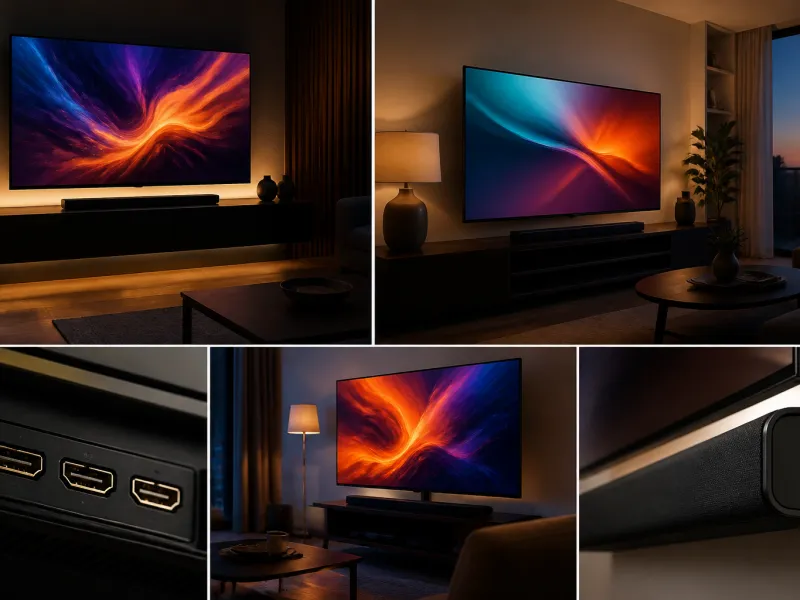
Televisions have become significantly more energy efficient over the past decade, but a bigger screen, a brighter picture mode and HDR content can still add up. Understanding what actually drives consumption helps you make sensible choices, both when buying and when using the television you already have.
Rather than quoting a single number that will not apply to your set, this guide explains the factors involved and how to work out a reasonable estimate for your own television.
01
The EU energy label
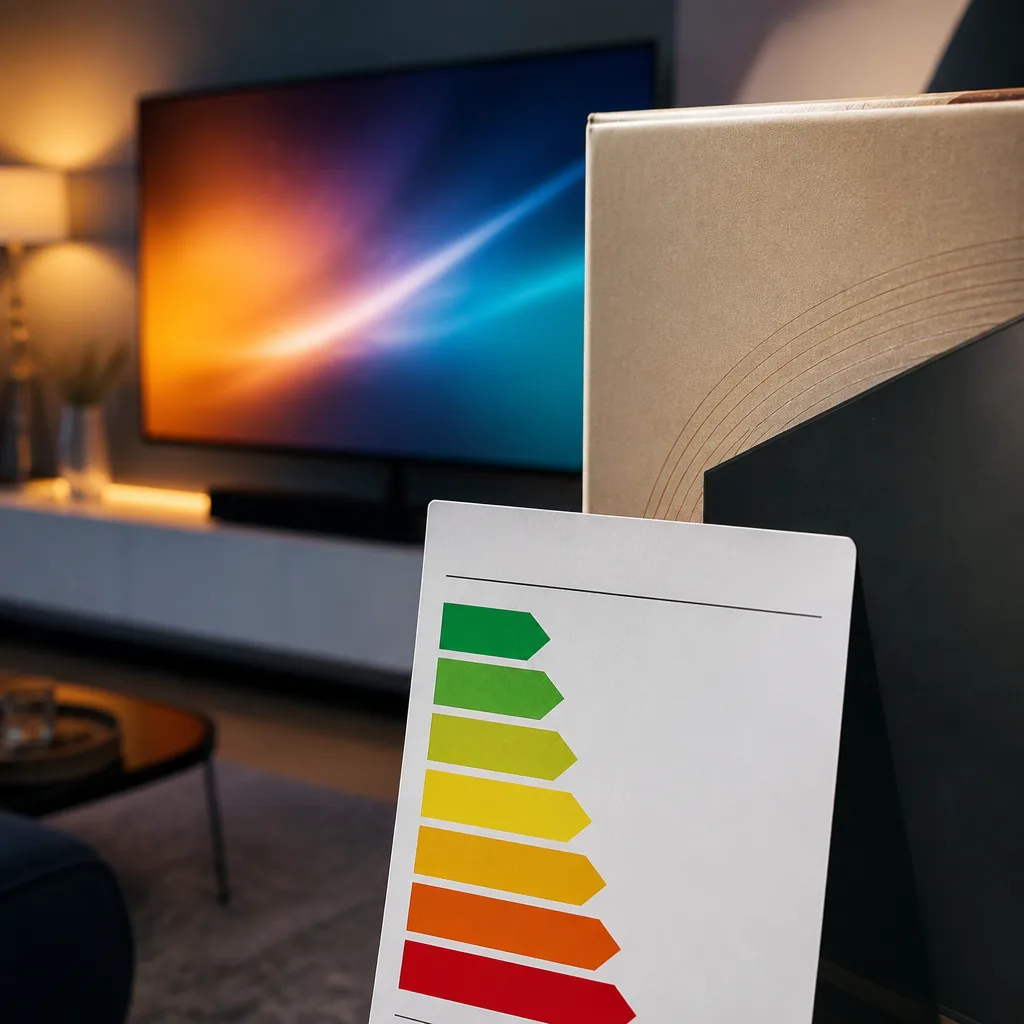
Since March 2021, televisions sold in the European Union carry an energy label with a rescaled A to G efficiency scale, replacing the old label that had become crowded with extra plus signs at the top end. The new scale is stricter, so a television that would previously have scored A+++ might now sit around C or D. This does not mean the television became less efficient, only that the scale itself was reset to leave room at the top for future improvement.
The label shows estimated annual energy consumption in kilowatt hours, based on a standardised usage pattern set by the regulation, together with screen size and resolution. It is a useful way to compare two models side by side, but the standardised test does not reflect every real household's viewing habits.
 Matching productTV standAmazon →
02
SDR versus HDR consumption
Standard dynamic range (SDR) content is shown at a moderate, fairly constant brightness, so power draw stays relatively steady. High dynamic range (HDR) content is different: it asks the screen to reach much higher peak brightness in bright highlights, such as sunlit skies or explosions, while keeping other parts of the image dark.
To hit those bright highlights, the television's backlight or, on OLED panels, individual pixels have to work harder, which increases power draw during HDR playback compared with the same scene in SDR. The size of the difference depends on the content and the television, but it is a real and measurable effect, not a marginal one.
 Matching productOLED TV 55 inchAmazon →
03
Screen size and panel type
| Factor | Effect on consumption |
|---|---|
| Screen size | Larger screens need more light output to reach the same perceived brightness, so consumption rises with diagonal size, roughly in proportion to screen area |
| LCD with LED backlight | Consumption depends heavily on backlight brightness setting; efficient LED backlights and local dimming can help |
| OLED | Each pixel produces its own light, so a mostly dark scene can use noticeably less power than a bright scene, unlike LCD where the backlight often lights the whole panel |
| Mini-LED | Similar backlit principle to standard LED LCD, but with many more, smaller dimming zones for better contrast, without changing the basic energy behaviour |
Because of how OLED produces light per pixel, the content itself matters more for OLED than for LCD based screens: a dark, moody film uses less energy on an OLED TV than a bright, colourful one, an effect that is much smaller on LCD screens where the backlight tends to stay on across the panel regardless of scene content.
 Matching productProjector screenAmazon →
04
Standby power
Modern televisions sold in the EU must meet strict standby power limits, typically well under one watt in standard standby, and often around three watts when network standby features, such as quick app resume or voice assistant listening, are enabled. Over a year, standby power is usually a small fraction of a television's total consumption compared with active viewing time, but leaving convenience features switched on when not needed adds up over many devices in a household.
If a television is rarely used, switching it off at the wall, rather than leaving it in standby, avoids even this small draw, though for a television used daily the difference is minor.
 Matching product4K TV 43 inchAmazon →
05
Eco and power saving settings
Most televisions include an eco or power saving mode, along with an ambient light sensor that lowers backlight brightness automatically in a dim room and raises it in a bright one. These features can meaningfully reduce consumption, particularly for viewers who tend to leave picture settings at a high, shop floor style brightness.
The picture settings covered in our guide to TV picture settings also affect energy use directly: a lower backlight setting not only looks more comfortable in a dim room, it draws less power too. Reducing backlight to a level that suits your room, rather than maximum, is one of the simplest ways to cut consumption without any noticeable loss in picture quality.
06
Estimating your own yearly consumption
Rather than relying on a single published figure, which reflects a standardised test rather than your habits, you can build a rough estimate yourself. Most televisions or their manuals state a typical power draw in watts for normal viewing, sometimes separately for SDR and HDR. Multiply that figure by your average daily viewing hours, then by 365 days, and divide by 1000 to get kilowatt hours per year. Add a small allowance for standby time based on the standby wattage and the hours per day the set is not in active use.
This method will not be perfectly precise, since actual power draw shifts with scene content and picture settings, but it gives a far more realistic figure for your household than a label based on a fixed test pattern, and it lets you see directly how changes such as a lower backlight setting affect the outcome.
It also helps to note how many hours a day the television is genuinely the centre of attention compared with hours it runs as background noise while a room is otherwise occupied. Some households find that a surprising share of total viewing hours are passive background use, and simply switching the television off during those stretches, rather than leaving it running, has a bigger effect on the yearly total than any single picture setting.
07
Other appliances for comparison
A television's energy use is worth putting in context alongside other everyday appliances, since a number quoted in isolation can be hard to judge. A typical modern television used for a few hours a day tends to sit well below larger appliances such as an electric oven, a tumble dryer or an older refrigerator in terms of yearly consumption, though a very large screen run at high brightness for many hours daily can still add up to a meaningful amount over a year. Comparing your own estimate, calculated as described above, against a recent household electricity bill is often more informative than comparing it with a generic published average, since viewing habits and room lighting vary so much between households.
08
Frequently asked questions
Does a bigger TV always use more electricity?
In general, yes, because a larger panel needs more light output to look equally bright, but the panel type and picture settings also play a significant role, so two similarly sized televisions can differ noticeably.
Is OLED more efficient than LCD?
It depends on the content. OLED can use less power than LCD for dark scenes, since unlit pixels draw almost no energy, but for very bright, mostly white content, LCD with an efficient LED backlight can sometimes use less power than OLED pushed to high brightness.
Does HDR content really use more power?
Yes, on most televisions. Reaching the higher peak brightness that HDR content calls for in bright highlights takes more power than showing the same scene in standard dynamic range.
Is it worth turning the TV off at the wall every night?
For most modern televisions, standby power is very low, so the saving is small. It is still a reasonable habit if the television will be unused for an extended period, such as a holiday.
Explore
Read next
 TV Panel Types Explained: LCD, QLED, Mini-LED, OLED and MoreAn overview of TV panel technologies, from LCD and QLED to OLED and Micro-LED, compared on blacks, brightness, viewing angle and burn-in ri…
 TV Buying Guide: How to Choose the Right TelevisionA practical, step by step guide that walks you through every decision in buying a television, from screen size to sound.
 TV Size Guide: Screen Sizes and Viewing DistanceA practical guide to translating screen diagonal into real dimensions and choosing the right size for your viewing distance and room.