
6 min read
Soundbar guide: channels, Atmos and connections
From 2.1 to 7.1.4, Dolby Atmos and subwoofers to eARC and placement: a practical guide to choosing and connecting a soundbar.
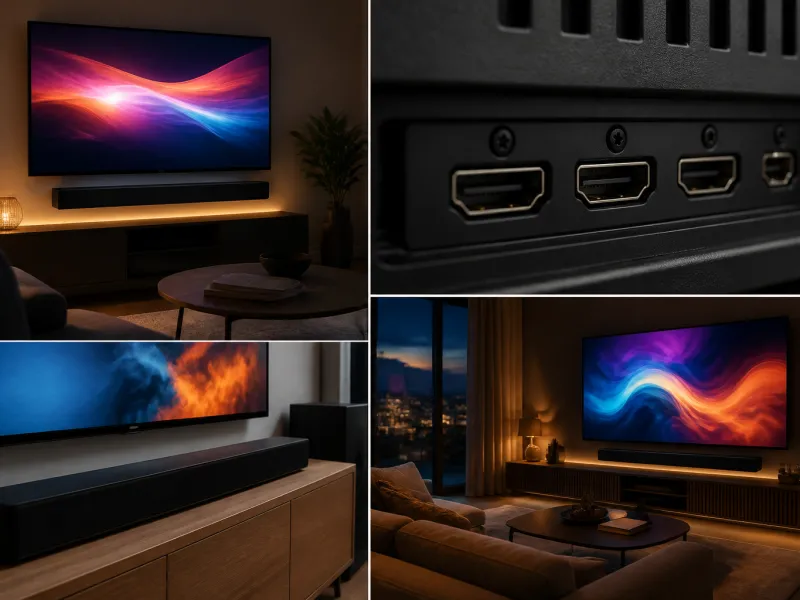
A television's built in speakers are usually small and face backwards or downwards, which limits how good they can sound regardless of picture quality. A soundbar is a popular and relatively simple way to improve sound without installing a full surround system, and the range available covers everything from a compact single unit to elaborate multi speaker setups with height channels.
This guide explains how soundbars are described, what the channel numbers mean, how they connect to a television, and when a full AV receiver based system makes more sense instead.
01
What a soundbar does
A soundbar is a single, elongated speaker unit, sometimes paired with a separate subwoofer, designed to sit below or above a television and replace or supplement its built in speakers. Because multiple small speakers are arranged along its length, and often processed with software, a soundbar can create a wider, fuller sound than a television's internal speakers, along with clearer dialogue.
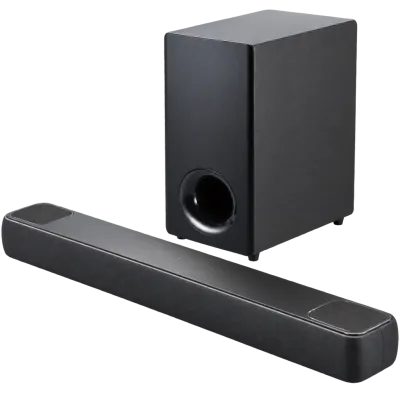 Matching productDolby Atmos soundbarAmazon →
02
Channel counts from 2.1 to 7.1.4 explained
Soundbar specifications are often described with numbers such as 2.1, 5.1 or 7.1.4. The first number is the count of regular speaker channels, the number after the point is the count of subwoofers, and a third number, where present, counts dedicated height channels used for Dolby Atmos style overhead effects.
| Configuration | What it means |
|---|---|
| 2.0 | Left and right channels, no dedicated subwoofer |
| 2.1 | Left and right channels plus one subwoofer |
| 3.1 | Left, right and centre channels plus one subwoofer, generally improving dialogue clarity |
| 5.1 | Front left, right and centre plus two surround channels and one subwoofer |
| 7.1 | Adds two further surround channels compared with 5.1, for a wider surround field |
| 5.1.2 or 7.1.4 | As above, plus 2 or 4 dedicated upward firing or height channels for overhead effects |
Higher channel counts generally mean a larger, more capable, and typically more expensive system, so it is worth matching the configuration to your room and how much you value surround and overhead effects rather than always choosing the highest number available.
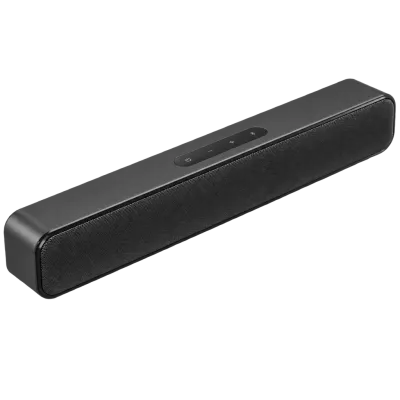 Matching productCompact soundbarAmazon →
03
Dolby Atmos and height channels
Dolby Atmos is an audio format that places sound in three dimensional space rather than fixed channels, including overhead effects such as rain or aircraft passing above. Soundbars support this either through dedicated upward firing drivers, which bounce sound off the ceiling to simulate height, or through processing that approximates a wider, more immersive field without true upward firing speakers. A flat or very high ceiling can affect how well upward firing speakers work, since the reflected sound needs a suitable surface to bounce from.
04
Subwoofers
The subwoofer handles low frequency bass that a slim soundbar unit typically cannot reproduce well on its own. Many soundbars include a separate, wireless subwoofer unit that can be placed away from the main bar, commonly on the floor near the television or to the side of the room. Placement affects bass response: corners tend to boost bass, sometimes to the point of sounding boomy, while open floor space away from walls often gives a more even result, so some experimentation with position is worthwhile.
05
eARC connection
Most current soundbars connect to a television using eARC, Enhanced Audio Return Channel, over a single HDMI cable. This carries high quality, multichannel audio, including formats such as Dolby Atmos, from the television back to the soundbar, and it also lets you control the soundbar's volume with the television's own remote in many cases. Both the television and the soundbar need to support eARC, and the television's eARC compatible HDMI port, often specifically labelled, needs to be used for this to work correctly. Older optical digital connections can also carry sound to a soundbar, but they cannot pass the newest, highest quality audio formats.
 Matching productUltra High Speed HDMI cableAmazon →
06
Placement
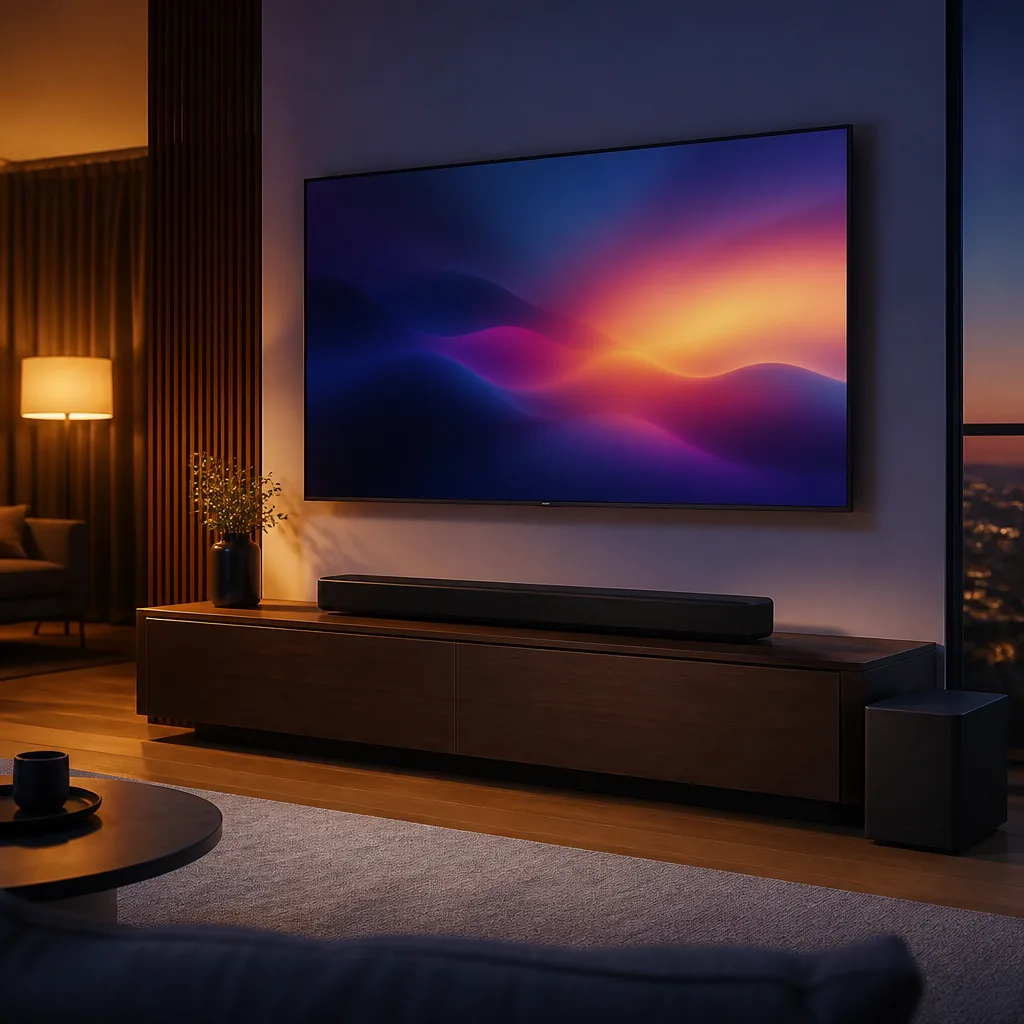
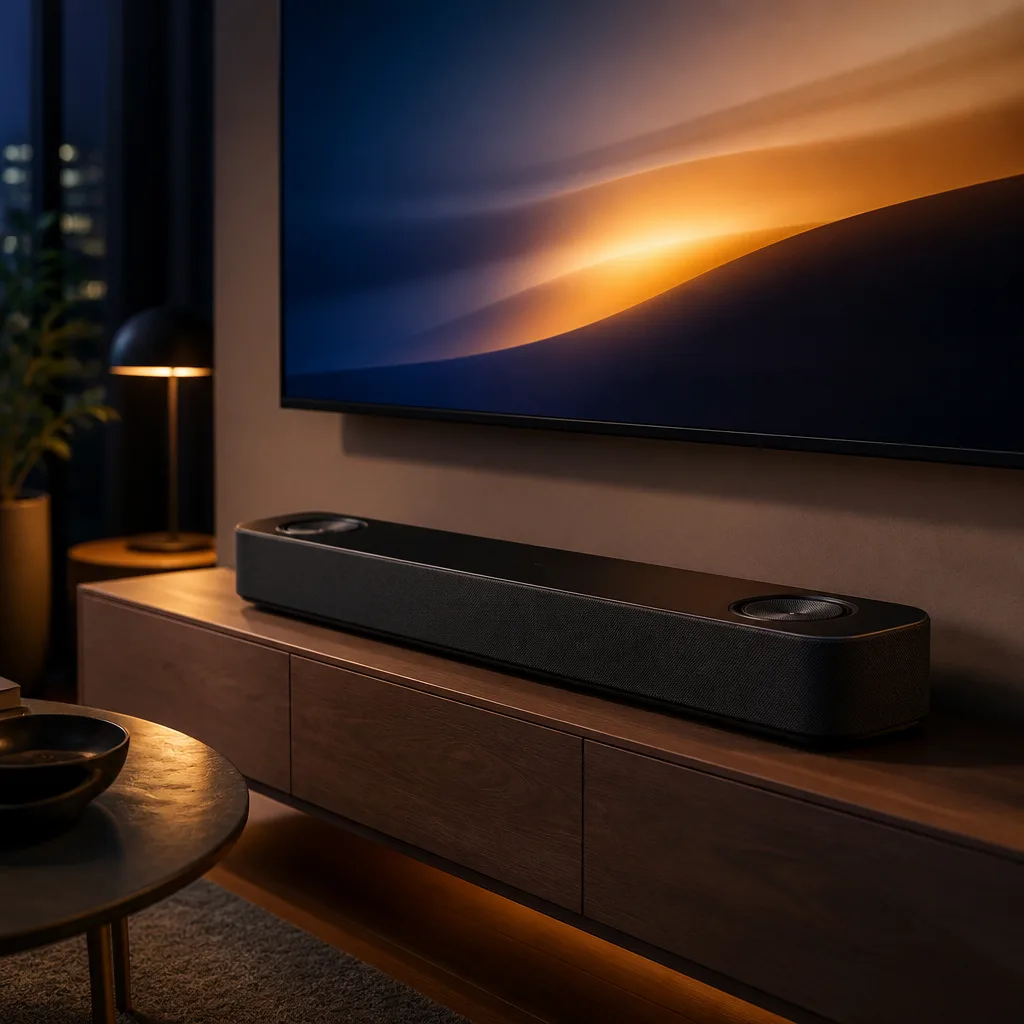
A soundbar generally performs best placed directly below or above the television, centred on the screen, with a clear path towards the main seating position. Placing it inside an enclosed cabinet or behind a solid barrier can muffle sound, particularly for models relying on upward or sideways firing drivers to create a sense of width or height. If a stand or cabinet is used, check that the soundbar does not block the television's infrared remote sensor.
Wireless surround speakers, where a system includes them, generally work best placed to the sides or slightly behind the main seating position, roughly level with or a little above ear height when seated. Running a short power cable to each surround speaker is usually unavoidable, though the audio connection itself is typically wireless, so planning where a nearby power socket is available is worth doing before deciding on final placement.
 Matching productAV receiverAmazon →
07
When a receiver is the better choice
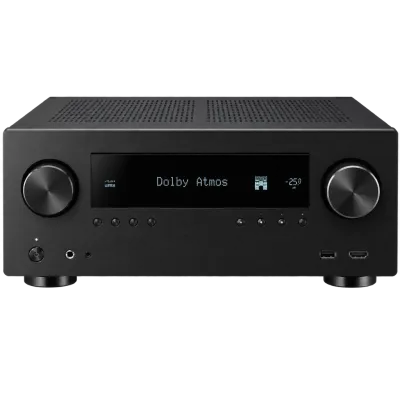
An AV receiver paired with separate speakers offers more flexibility than a soundbar, including the ability to add or upgrade individual speakers over time, place true rear surround speakers rather than simulate them, and often support a wider range of connections for other devices. For a room where the best possible surround sound matters and running speaker cable to the sides or rear of the room is practical, a receiver based system usually outperforms a soundbar of similar cost.
A receiver also typically offers more input options, useful for a room with several devices such as a games console, a media player and a separate disc player all needing a connection at once, along with more detailed control over individual speaker levels and room correction. For most households prioritising convenience, a simpler setup and easier installation, a soundbar remains the more practical choice, and modern soundbars have narrowed much of the sound quality gap that used to exist compared with entry level separate systems. See the sound and streaming overview for how these choices fit into a wider setup.
08
Getting the best from either option
Whichever route you choose, a few habits help regardless of the system. Keep firmware and any companion app up to date where available, since audio processing features are sometimes improved or added after a product is released. Running any built in automatic room calibration feature, where the system includes a microphone based setup process, can noticeably improve balance for your specific room compared with default settings. Finally, revisit sound settings occasionally as your room layout changes, since moving furniture or adding rugs and curtains can change how sound behaves even with the equipment unchanged.

09
Frequently asked questions
Do I need a separate subwoofer?
Not always, but a dedicated subwoofer noticeably improves bass depth for film soundtracks and music compared with a soundbar alone, which is why most mid range and higher soundbars include one.
Can a soundbar replace true surround speakers?
A soundbar can approximate a wide, surround like sound field through processing and reflected sound, but it does not fully replace dedicated rear speakers placed around the room. For genuine surround placement, a receiver based system with separate speakers is the closer match.
What if my TV does not support eARC?
Most soundbars also offer an optical digital audio input as an alternative, which still improves on a television's built in speakers considerably, even though it cannot carry the newest object based audio formats such as Dolby Atmos at full quality.
Does soundbar placement really matter that much?
Yes, particularly for models using upward firing or wide dispersion drivers to create height and width effects. Centring the bar on the screen with a clear, unobstructed path to the seating area generally gives noticeably better results than tucking it inside a cabinet.
Explore
Read next
 TV Panel Types Explained: LCD, QLED, Mini-LED, OLED and MoreAn overview of TV panel technologies, from LCD and QLED to OLED and Micro-LED, compared on blacks, brightness, viewing angle and burn-in ri…
 TV Buying Guide: How to Choose the Right TelevisionA practical, step by step guide that walks you through every decision in buying a television, from screen size to sound.
 TV Size Guide: Screen Sizes and Viewing DistanceA practical guide to translating screen diagonal into real dimensions and choosing the right size for your viewing distance and room.