
6 min read
TV Sound and Streaming: An Overview
An overview of how to get better sound from your TV and how streaming, built in apps and casting fit together.
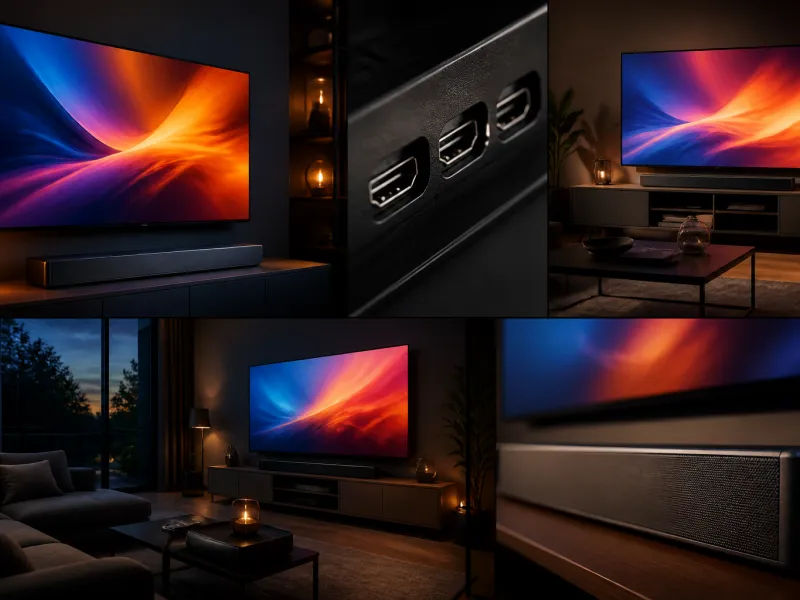
Picture quality tends to get most of the attention when choosing a TV, yet sound and how you access streaming content shape daily viewing just as much. This overview explains why built in TV speakers are usually limited, what soundbars and receivers add, and how streaming sticks, built in apps and casting relate to each other.
01
Why TV speakers are weak
Modern televisions are thin, often only a few centimetres deep, which leaves very little room for speaker drivers or the enclosure volume needed to produce deep bass and high volume without distortion. Speakers are also usually rear or downward firing, aimed away from the viewer, since there is no space to angle them forward. The result is sound that can cover dialogue adequately at moderate volume but struggles with the dynamic range of movies, sports crowds or music heavy content, and this is one of the main reasons many owners add external speakers at some point.
02
Soundbars
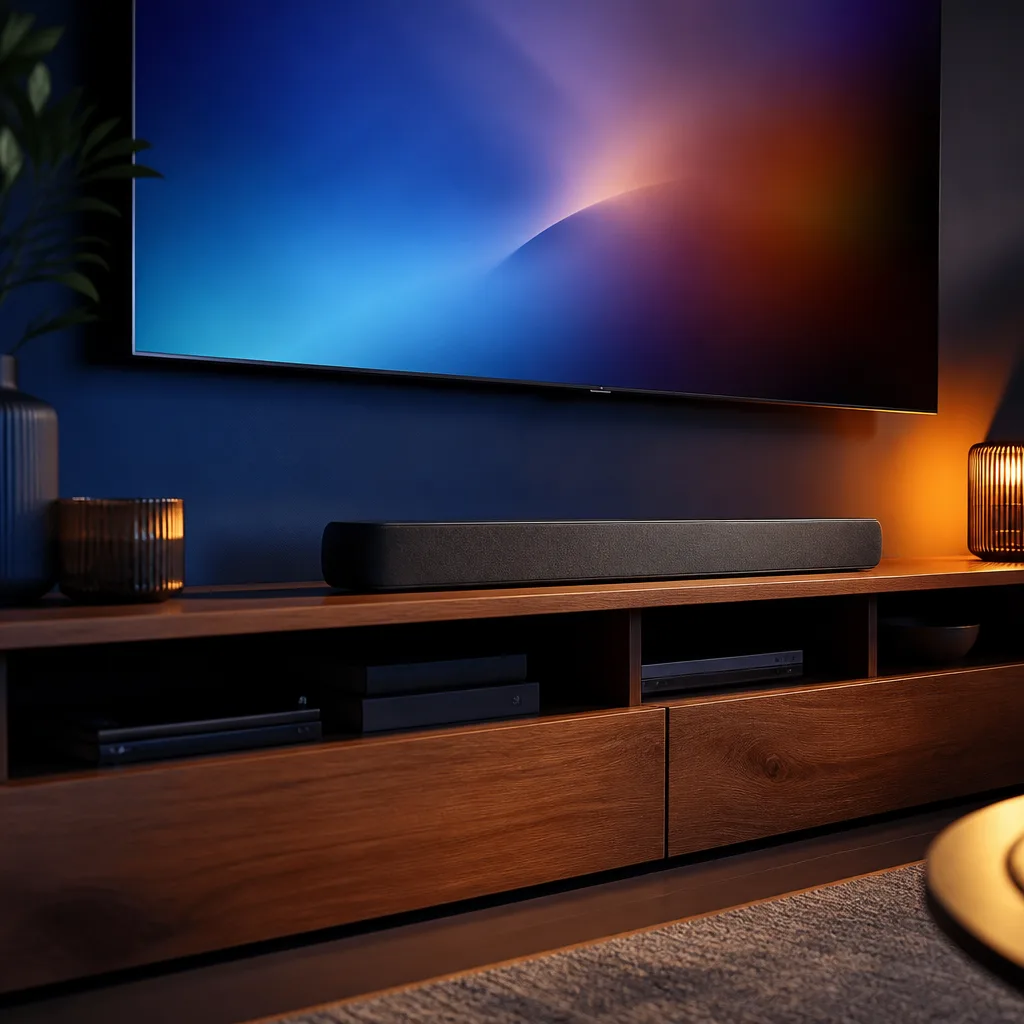
A soundbar is a single long speaker unit, usually placed below or in front of the TV, that combines several drivers to widen the stereo image and add clearer dialogue and stronger bass than built in TV speakers. Many soundbars include or pair with a separate wireless subwoofer for low frequency output. Soundbars connect most reliably through an eARC enabled HDMI port, which allows every source connected to the TV to pass its audio to the soundbar automatically. See our soundbar guide for a closer look at features and placement.
| Option | Typical benefit |
|---|---|
| Built in TV speakers | No extra cost or space, limited volume and bass |
| Soundbar | Clearer dialogue, stronger bass, simple setup |
| Soundbar with subwoofer | Adds deeper bass for movies and music |
| AV receiver with speakers | Most flexible and powerful, more setup involved |
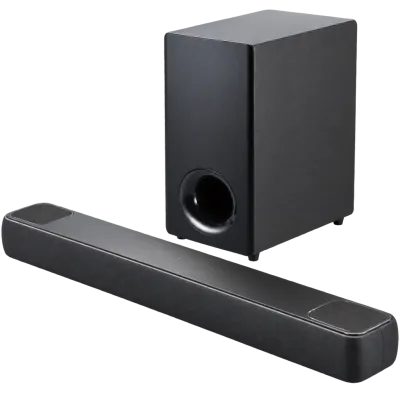 Matching productDolby Atmos soundbarAmazon →
03
Dolby Atmos and object based audio
Dolby Atmos is an object based audio format that positions individual sounds in three dimensional space, including height, rather than assigning sound only to fixed left, right and centre channels. Many current soundbars use upward firing or virtual processing to simulate height effects without ceiling speakers. To receive Dolby Atmos from a TV, the connection needs enough bandwidth, which is why an eARC connection matters for passing this format through in full from streaming apps or connected devices.
04
AV receivers and speaker systems
An AV receiver is a central hub that connects multiple sources and drives a set of separate speakers, offering the most control over sound placement and volume, along with room calibration features on many models. This setup requires more space, more cabling and more initial configuration than a soundbar, but suits people who want a dedicated home cinema style setup or who already own separate speakers. Devices typically connect to the receiver, which then connects to the TV, or connect directly to the TV with eARC returning sound to the receiver.
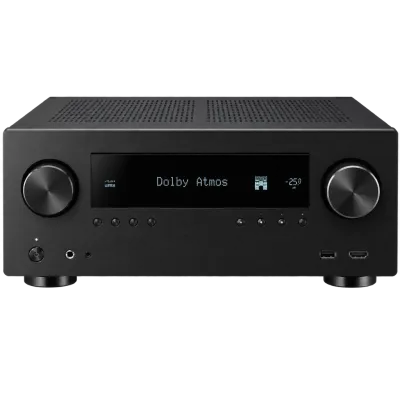 Matching productAV receiverAmazon →
05
Streaming sticks versus built in apps
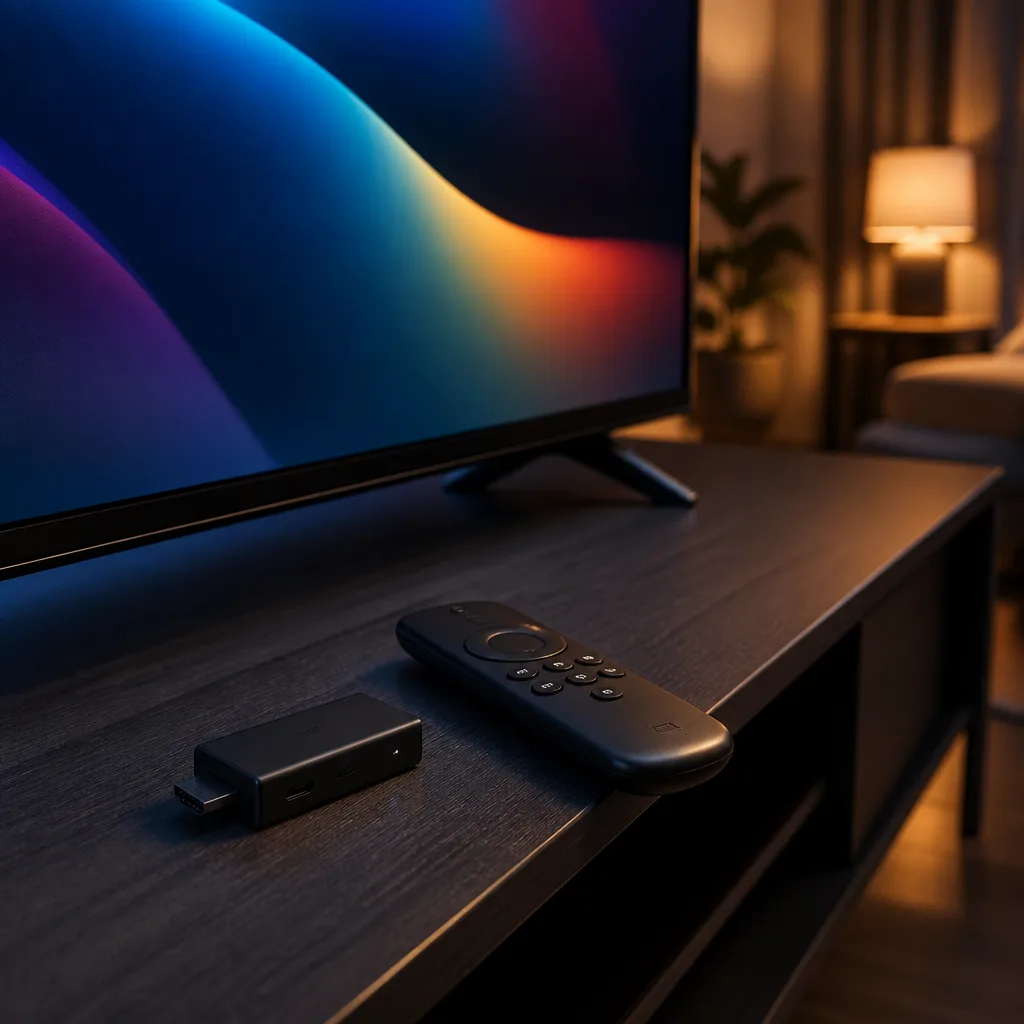
Almost all current televisions include a smart TV platform with built in streaming apps, so a separate streaming stick is not strictly required. Even so, many people still choose a media player or streaming stick for reasons that include a preferred interface, faster software updates than some TV platforms receive, or continuity when moving between televisions, since the stick carries settings and accounts with it. Built in apps avoid an extra device, an extra remote and an extra HDMI port, and are typically integrated with the TV's picture settings and voice features. Our streaming devices guide and smart TV platforms guide compare both approaches in more detail.
 Matching product4K streaming stickAmazon →
06
HbbTV
HbbTV is a broadcast standard that adds interactive features to regular television channels received through an aerial, satellite or cable tuner, such as catch up programming, additional information overlays or access to a broadcaster's own app without switching to a separate smart TV app. Availability and the exact features offered depend on the broadcaster and country, and the feature can usually be turned on or off in the TV's settings menu if you prefer not to see the prompts.
07
Understanding app based streaming quality
The picture and sound quality delivered by a streaming app depends on more than the TV itself. Your internet connection speed and stability, the streaming service's chosen bitrate for a given title, and occasionally server side factors on busy evenings can all affect whether you see the sharpest available version of a show. A TV with strong hardware can still show a lower quality stream if the network connection to it is weak, which is another reason a wired Ethernet connection or a strong Wi-Fi signal matters for streaming as much as it does for other network tasks.
08
Casting to a TV
Casting sends audio or video from a phone, tablet or computer to the TV over the home network, letting you start playback on a small screen and continue watching on the television without physically connecting a cable. Several casting standards exist, often tied to a particular ecosystem, and TV compatibility varies by platform and manufacturer, so check which casting method your devices support before relying on it as your main way of watching content.
09
Headphones and private listening
Many smart TVs support connecting headphones, either through a companion app on a phone, a Bluetooth pairing directly with the TV, or a receiver and transmitter set, useful for watching late at night without disturbing others. Bluetooth audio can introduce a small delay between picture and sound on some TVs, so if you notice lips slightly out of sync with dialogue, check the settings menu for an audio delay or lip sync adjustment.
10
Sound modes and everyday settings
Beyond the hardware you connect, the TV's own sound mode settings affect what you hear. A dialogue enhancement or voice clarity mode can make speech easier to follow at lower volume, useful for viewers who find background music and effects overpowering. Night or compressed modes reduce the gap between quiet and loud passages, helpful for late evening viewing when you do not want sudden loud effects. These modes work on both built in speakers and many external soundbars, so it is worth checking the audio settings menu on whichever device is producing the sound rather than assuming only the TV controls the result.
11
Multiroom and wireless speaker systems
Some households extend TV sound beyond a single soundbar using a wireless multiroom speaker system, where a compatible TV or streaming device sends audio to speakers in the same room or elsewhere in the home. This differs from a traditional home cinema setup in that speakers are usually wireless and controlled through an app rather than wired to a central receiver, trading some of the precision of a wired system for flexibility and simpler installation. Compatibility between a TV and a particular wireless speaker ecosystem varies, so check this before assuming any wireless speaker will work as TV audio.
 Matching productOLED TV 65 inchAmazon →
12
Frequently asked questions
Do I need both a soundbar and an AV receiver?
No, they serve a similar purpose at different levels of complexity. A soundbar is a simpler, more compact upgrade over TV speakers, while an AV receiver with separate speakers offers more flexibility and power for those who want to build a larger system.
Will any soundbar give me Dolby Atmos?
Only soundbars designed to decode and reproduce Dolby Atmos, whether through dedicated upward firing drivers or virtual processing, will provide the format's height effects. Check the product's supported audio formats before assuming Atmos is included.
Is a streaming stick better than built in apps?
Neither is universally better. A streaming stick can offer a more familiar interface or more frequent updates, while built in apps avoid extra hardware and typically integrate well with the TV's own settings. The right choice depends on personal preference and how current your TV's built in software is.
Why is my casted video out of sync with the sound?
This is often related to network conditions or Bluetooth audio delay rather than casting itself. Check for a lip sync or audio delay setting on the TV or connected speaker, and ensure a stable network connection for smoother casting.
Explore
Read next
 TV Panel Types Explained: LCD, QLED, Mini-LED, OLED and MoreAn overview of TV panel technologies, from LCD and QLED to OLED and Micro-LED, compared on blacks, brightness, viewing angle and burn-in ri…
 TV Buying Guide: How to Choose the Right TelevisionA practical, step by step guide that walks you through every decision in buying a television, from screen size to sound.
 TV Size Guide: Screen Sizes and Viewing DistanceA practical guide to translating screen diagonal into real dimensions and choosing the right size for your viewing distance and room.