
6 min read
Choosing a TV for gaming
Gaming rewards different TV features than film watching. Here is what HDMI 2.1, VRR, input lag and HDR gaming actually mean.
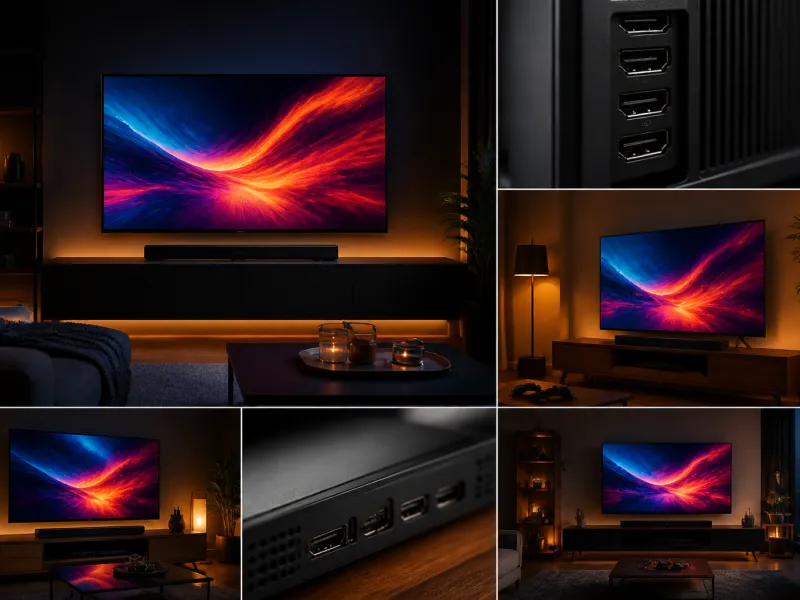
Gaming places different demands on a television than watching films or series. Responsiveness, motion clarity and support for the features modern consoles and graphics cards offer matter as much as picture quality. This guide explains the specifications that matter most for a gaming focused TV and how to weigh them against everyday viewing needs.
None of this means a gaming TV has to be a specialist purchase. Many mainstream televisions now include the features described below, so the goal is to know what to look for rather than to hunt for a niche category.
01
Why gaming has different needs
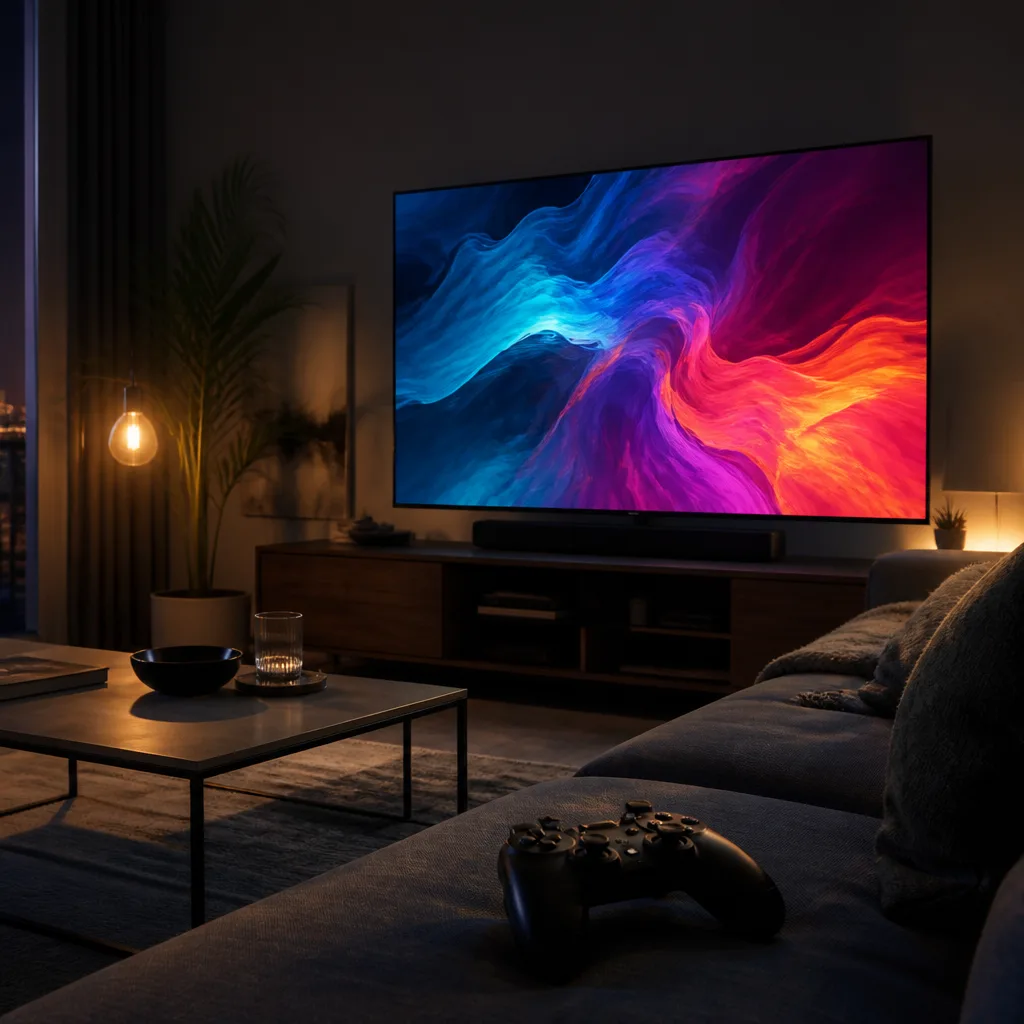
Film and television content is fixed at a small number of frame rates and does not respond to your input. Games are interactive: the image on screen changes the instant you press a button, and the frame rate can vary constantly depending on what is happening on screen. A television that is excellent for films can still feel sluggish or show visible tearing and stutter in fast paced games if it lacks certain gaming features.
 Matching product120 Hz gaming TVAmazon →
02
HDMI 2.1 and bandwidth
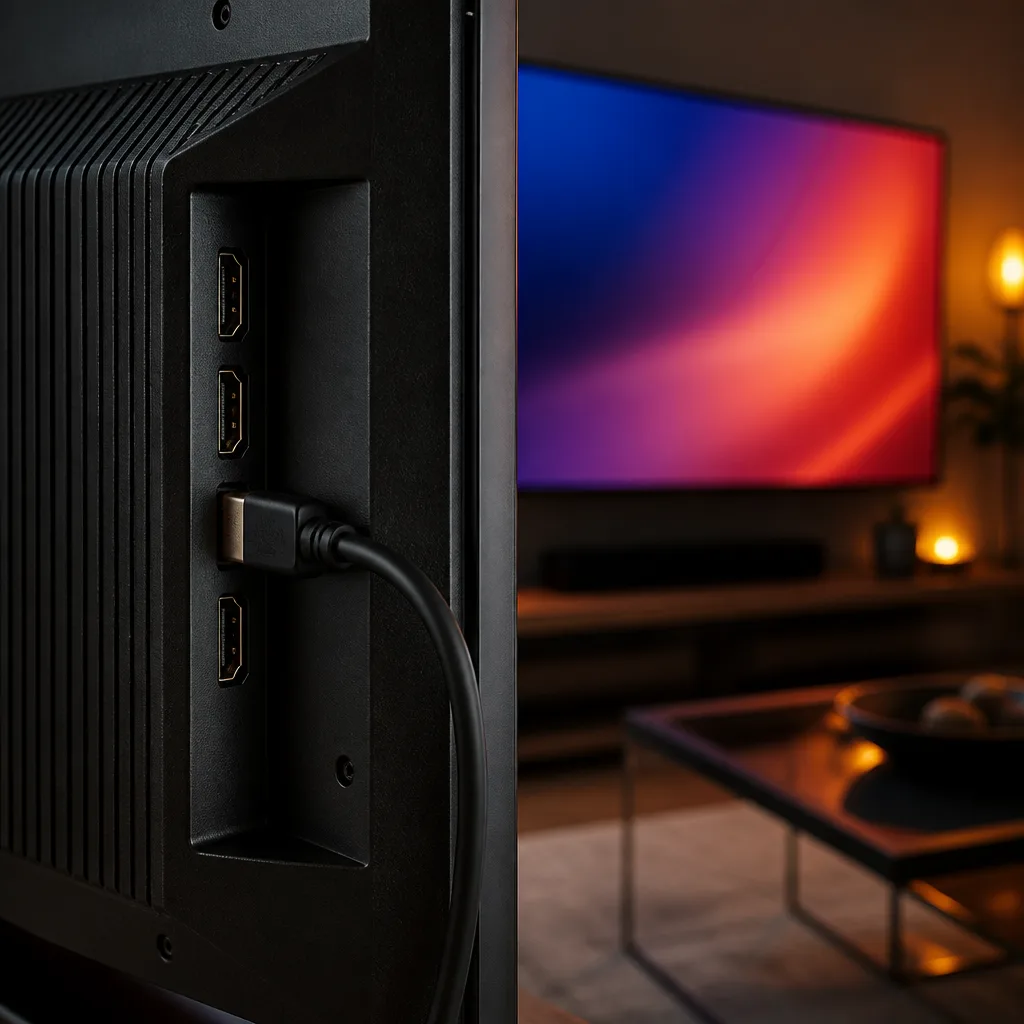
HDMI 2.1 is the connection standard that unlocked most modern gaming features on televisions. It supports far higher bandwidth than the previous generation, enough to carry 4K video at 120 Hz, which older HDMI versions cannot do. The table below outlines the practical difference.
| Feature | HDMI 2.0 | HDMI 2.1 |
|---|---|---|
| Maximum bandwidth | 18 Gbit/s | Up to 48 Gbit/s |
| 4K at 120 Hz | Not supported | Supported |
| Variable Refresh Rate | Not part of the standard | Supported (VRR) |
| Auto Low Latency Mode | Not part of the standard | Supported (ALLM) |
Not every HDMI port on a television is necessarily a full HDMI 2.1 port, so if 4K at 120 Hz matters to you, check how many of the set's inputs support the full specification rather than assuming all of them do.
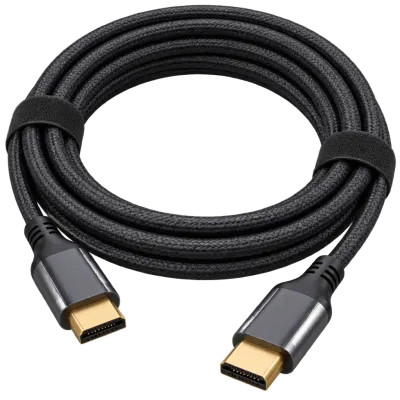 Matching productUltra High Speed HDMI cableAmazon →
03
Refresh rate and VRR
Refresh rate, measured in Hz, describes how many times per second the panel can redraw the image. A higher refresh rate, such as 120 Hz, can display fast motion more smoothly than 60 Hz, provided the source can supply frames quickly enough. The refresh rate and gaming guide covers this in more detail.
VRR, or Variable Refresh Rate, lets the television match its refresh rate to the frame rate the console or PC is actually producing at any given moment, instead of forcing a fixed rate. This reduces screen tearing and stutter that can otherwise appear when the frame rate fluctuates, which is common in graphically demanding games.
04
Input lag
Input lag is the delay between pressing a button and seeing the result on screen. Televisions process the incoming picture in various ways, such as noise reduction or motion smoothing, and this processing takes time. Most sets include a dedicated game mode that strips out unnecessary processing to cut this delay to a minimum, which is worth enabling whenever you are gaming rather than watching video.
ALLM, Auto Low Latency Mode, automates this: the television switches into its low latency game mode automatically when it detects a compatible console or PC starting a game, then switches back for other content.
05
HDR gaming
High dynamic range benefits games in the same way it benefits films, with brighter highlights, deeper shadow detail and a wider range of colour. Many current consoles and graphics cards support HDR output during gameplay, and formats such as HDR10 are widely supported. Because HDR image processing can add delay if not implemented carefully, look for a television that keeps input lag low even when HDR is active, rather than only in standard dynamic range.
06
OLED and burn in with static HUDs
OLED panels offer excellent contrast and per pixel control, which suits fast, high contrast game visuals well. A known consideration with OLED technology is burn in, a gradual, uneven wear of the panel that can occur when the same static image, such as a game's heads up display, health bar or minimap, stays on screen for very long, repeated periods. Modern OLED panels include pixel shifting, screen savers and other wear reducing measures that lower the risk considerably compared with early OLED generations, but the risk is reduced rather than eliminated.
Practical habits such as varying content, using auto brightness limiting features, and not leaving a paused game with a bright static HUD on screen for hours at a time all help reduce the chance of visible burn in over the years.
 Matching productOLED TV 55 inchAmazon →
07
Consoles and PC considerations
Current generation consoles typically support 4K resolution, HDR and, on many models, 120 Hz output with VRR, so matching a television with HDMI 2.1 lets the console use its full range of features. Handheld or older consoles may not need these features at all, in which case a simpler set may be perfectly adequate.
For PC gaming connected to a television, check that the graphics card and its cable both support the bandwidth needed for the resolution and refresh rate you want, since the weakest link in the chain, whether that is the cable, the port or the graphics card, determines what is actually achievable. A cable rated for the full HDMI 2.1 bandwidth is worth using even if the television and source both support the standard, since an older or lower rated cable can bottleneck the connection and prevent higher refresh rates or resolutions from working reliably.
It is also worth checking how many of a television's HDMI inputs support the full feature set you need. Some models offer only one or two ports capable of 4K at 120 Hz with VRR, with the remaining ports limited to lower bandwidth, which matters if you plan to connect a console, a PC and other devices at the same time and want full gaming features on more than one of them.
Picture settings also deserve attention once the connection is sorted. Many televisions offer a dedicated game picture mode alongside separate settings for sharpness, local dimming and colour that can be tuned specifically for interactive content. Checking the picture settings for general calibration advice, then applying similar principles within game mode, often improves both clarity and responsiveness together rather than trading one for the other.
 Matching product4K TV 50 inchAmazon →
08
Multiple gaming sources on one TV
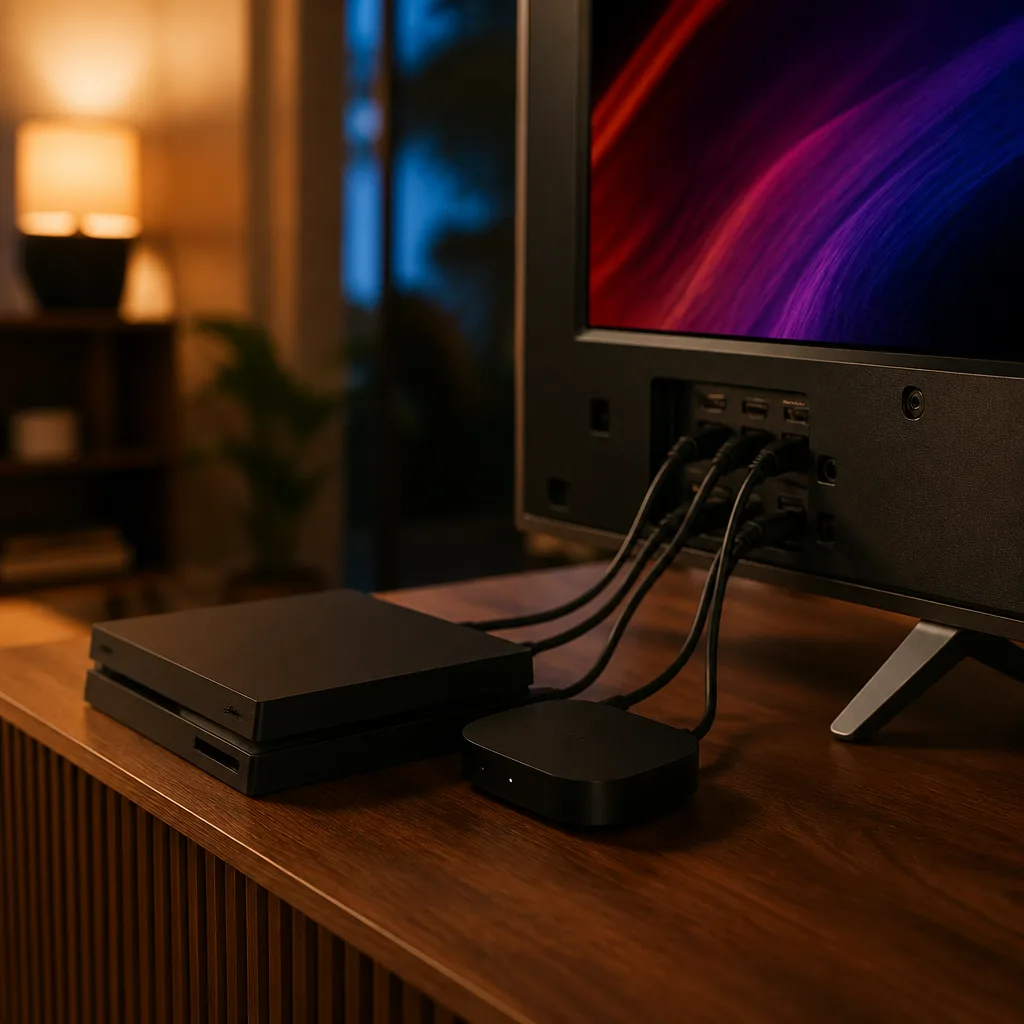
Households with more than one console, or a console alongside a PC, often want to switch between sources quickly without losing gaming features. Where possible, connect the devices used most for fast paced or competitive gaming to the ports rated for the highest bandwidth, and reserve any lower bandwidth ports for less demanding sources such as a streaming device or an older console. Labelling inputs in the television's menu, where that option exists, also makes switching between sources simpler during a gaming session.
If several fast paced gaming sources are used regularly and the television has only one or two full bandwidth ports, an HDMI 2.1 capable switch can extend the number of high bandwidth connections available, though this adds another device and cable to manage, so it is worth checking whether simply prioritising the console or PC used most often is enough before adding extra hardware.
09
Frequently asked questions
Do I need HDMI 2.1 for every game?
No. Many games run happily at 60 Hz and standard 4K, which older HDMI versions handle without issue. HDMI 2.1 mainly matters if you want 4K at 120 Hz, VRR or the fastest possible response on a compatible console or PC.
Is OLED a bad choice for gaming because of burn in?
Not generally. Burn in risk on modern OLED panels is low for typical mixed use, and the contrast and response benefits are considerable. The main precaution is avoiding extremely long sessions with a bright, unchanging HUD at high brightness.
What is the difference between VRR and a high refresh rate?
A high refresh rate is a fixed maximum, such as 120 Hz, that the panel can display. VRR lets the actual refresh rate vary to match the frame rate being produced, reducing tearing and stutter when that frame rate is not constant.
Does game mode reduce picture quality?
Game mode mainly disables processing steps that add delay, such as certain motion smoothing effects. Some picture adjustment may be needed to compensate, but the overall image is not fundamentally degraded, and the reduction in input lag is usually worth it for interactive content.
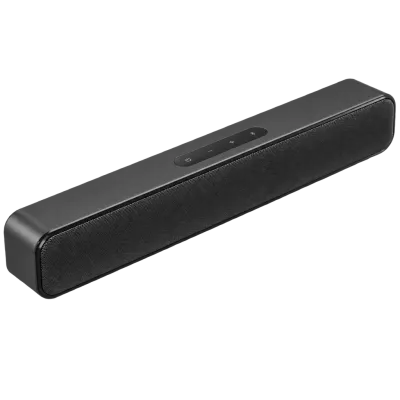 Matching productCompact soundbarAmazon →
Explore
Read next
 TV Panel Types Explained: LCD, QLED, Mini-LED, OLED and MoreAn overview of TV panel technologies, from LCD and QLED to OLED and Micro-LED, compared on blacks, brightness, viewing angle and burn-in ri…
 TV Buying Guide: How to Choose the Right TelevisionA practical, step by step guide that walks you through every decision in buying a television, from screen size to sound.
 TV Size Guide: Screen Sizes and Viewing DistanceA practical guide to translating screen diagonal into real dimensions and choosing the right size for your viewing distance and room.