
5 min read
HDMI 2.1 explained: bandwidth, features and cables
HDMI 2.1 brings more bandwidth and new gaming features to modern TVs. Here is what it actually changes, and which cables and ports you need.
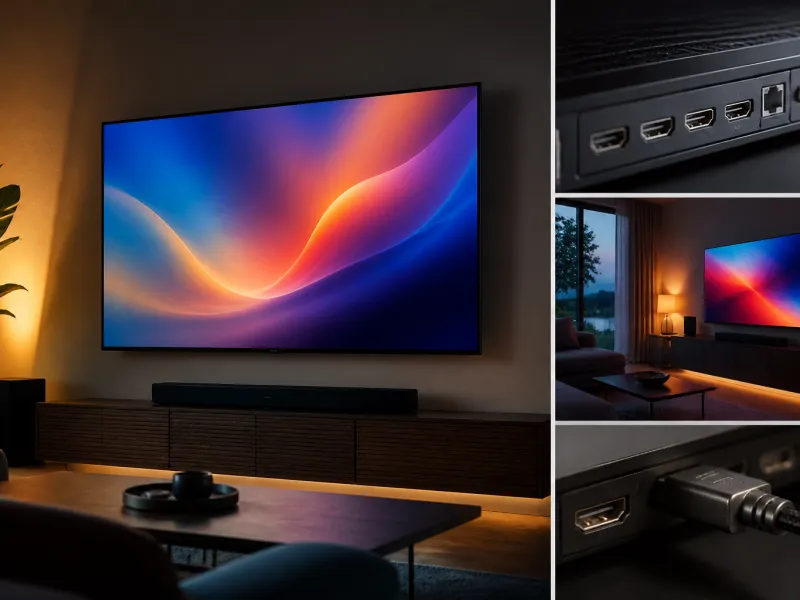
HDMI 2.1 is the connection standard behind many of the features that matter most on a modern television, from high frame rate 4K gaming to better audio return for a soundbar or receiver. It has also become a source of confusion, since not every port labelled HDMI, and not every cable sold as compatible, actually supports the full set of HDMI 2.1 features.
This guide explains what HDMI 2.1 changes, what cable you actually need, how many ports are worth having, what eARC does, and some common compatibility myths worth clearing up before you buy.
01
What HDMI 2.1 adds
HDMI 2.1 increases the maximum bandwidth of the connection significantly compared with the previous HDMI 2.0 standard, up to 48 gigabits per second. This extra bandwidth is what allows a single cable to carry higher resolutions at higher frame rates than before, most notably 4K video at 120 Hz, or 8K video at lower frame rates, without needing to compress the signal as heavily.
Alongside the bandwidth increase, HDMI 2.1 introduced or standardised support for several features covered in more detail in our refresh rate and gaming guide: variable refresh rate, known as VRR, auto low latency mode, known as ALLM, and enhanced audio return channel, known as eARC. Not every HDMI 2.1 port on every television necessarily supports every one of these features at its maximum specification, which is one reason to check a specific model's documentation if a particular feature matters to you.
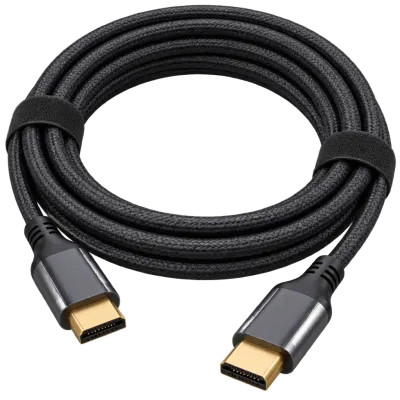 Matching productUltra High Speed HDMI cableAmazon →
02
Bandwidth in context
To put the bandwidth figure in perspective, a 4K signal at 60 Hz with standard dynamic range fits comfortably within the bandwidth of the older HDMI 2.0 standard. Once you add a higher frame rate such as 120 Hz, a wider colour range, or HDR metadata on top of 4K resolution, the required bandwidth rises substantially, which is where HDMI 2.1's higher ceiling becomes necessary to carry the signal without additional compression.
| Signal | Approximate bandwidth needed | Typical HDMI version required |
|---|---|---|
| 4K at 60 Hz, standard dynamic range | Fits within 18 Gbit/s | HDMI 2.0 |
| 4K at 60 Hz with HDR | Close to 18 Gbit/s | HDMI 2.0 |
| 4K at 120 Hz with HDR | Up to around 40 Gbit/s | HDMI 2.1 |
| 8K at 60 Hz | Up to around 48 Gbit/s | HDMI 2.1 |
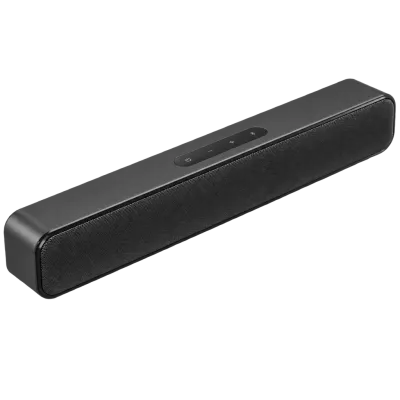 Matching productCompact soundbarAmazon →
03
Which cable you actually need
To reliably carry the full HDMI 2.1 bandwidth of up to 48 gigabits per second, you need a cable certified as Ultra High Speed. This certification is specifically tested for the higher bandwidth that features like 4K at 120 Hz require, and cables carrying this label are labelled and tested to a defined specification, unlike older, uncertified cables simply described as high speed, which were not tested against the newer standard's requirements.
Cable length matters too. Longer uncertified cables are more likely to struggle to carry the full bandwidth reliably, so for longer runs, particularly beyond a few metres, choosing a certified Ultra High Speed cable becomes more important, and in some cases an active cable, which includes electronics to boost the signal over distance, may be needed.
 Matching productCable management kitAmazon →
04
How many HDMI ports do you actually need
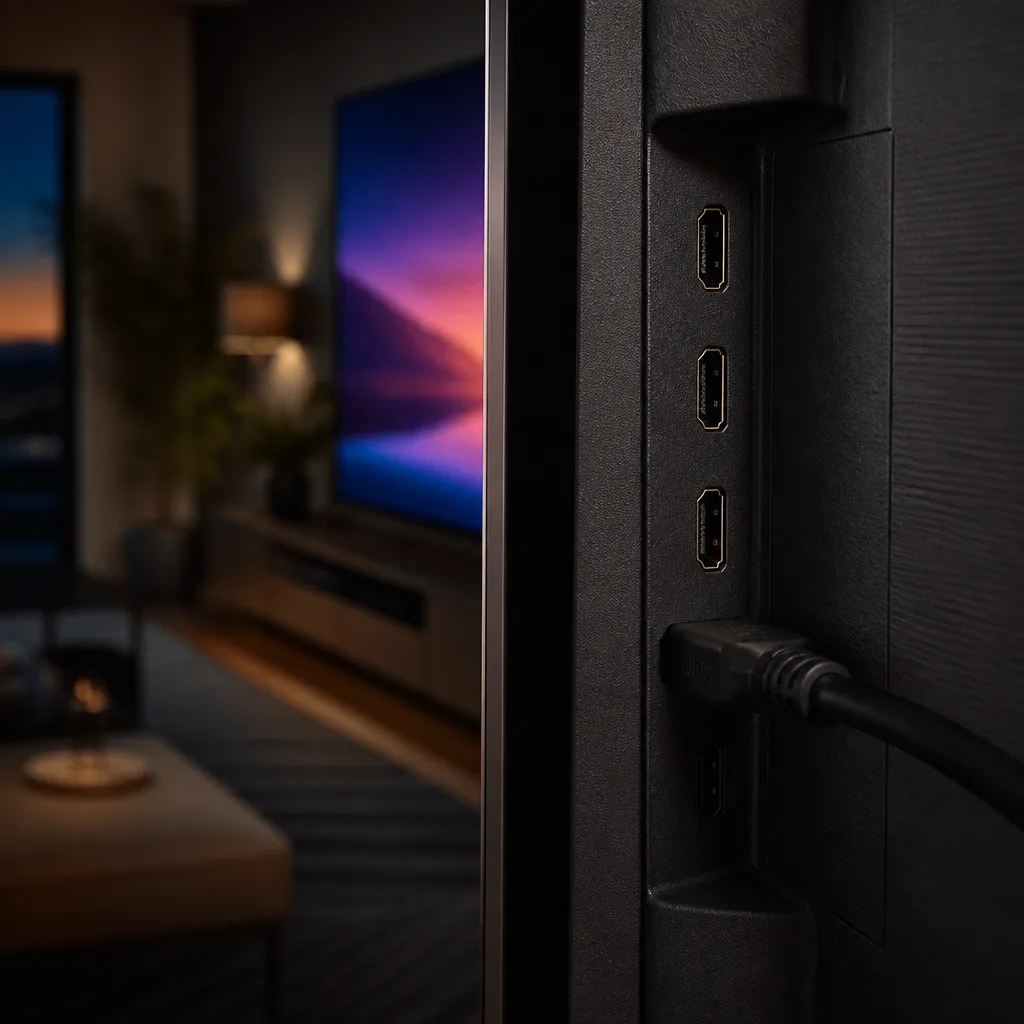
Most modern televisions include between two and four HDMI ports, but not all of them necessarily support the full HDMI 2.1 feature set. It is common for a television to have one or two ports capable of 4K at 120 Hz and VRR, with the remaining ports limited to HDMI 2.0 level bandwidth, which is normally sufficient for a set top box, a Blu-ray player or a streaming stick, but not for the highest frame rate gaming.
When planning your setup, count the devices that actually need the higher bandwidth, typically a recent games console or a gaming PC, and confirm the television has enough full-featured ports for them. Devices like a basic streaming stick, an older console or a set top box are usually fine on a standard port. Our guide on connections and setup covers arranging a full multi-device setup.
 Matching product120 Hz gaming TVAmazon →
05
What eARC does
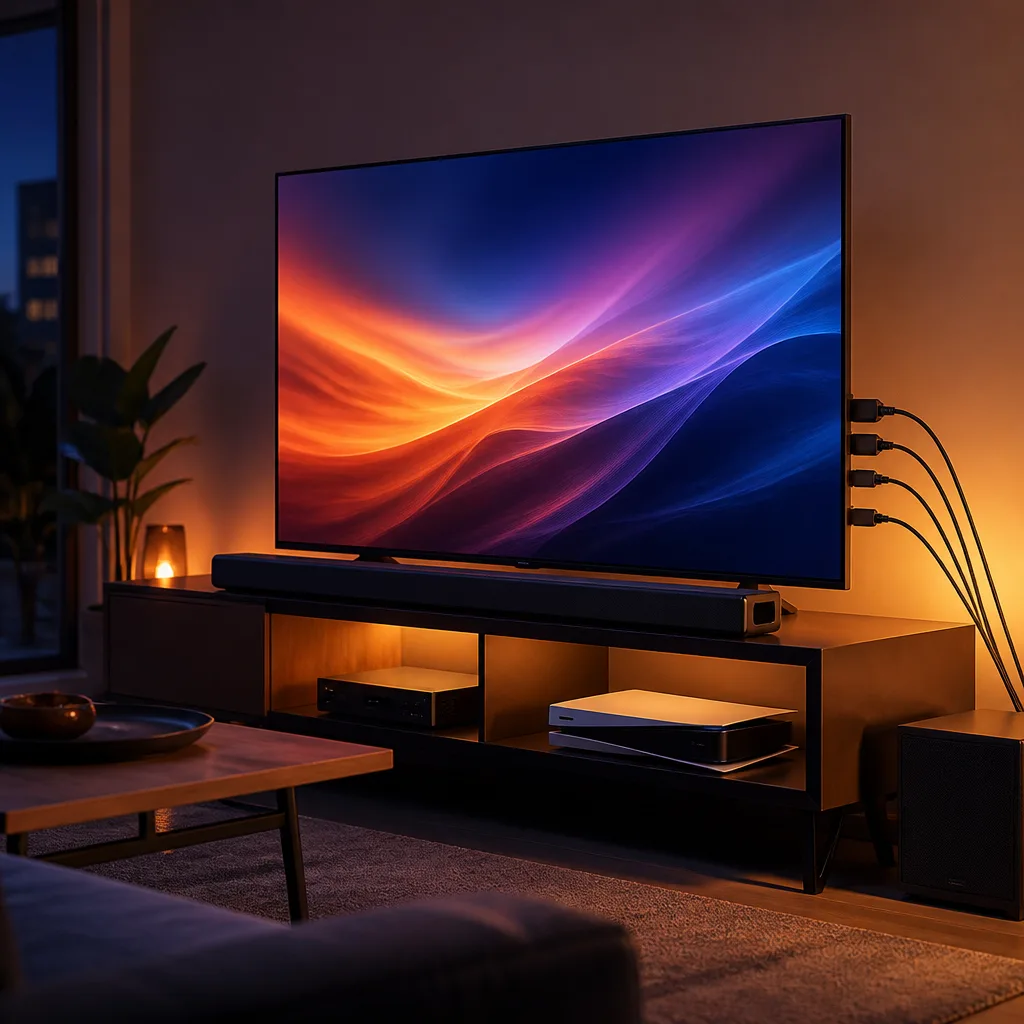
eARC, or enhanced audio return channel, allows a television to send high quality audio back out over an HDMI cable to a connected soundbar or AV receiver, including formats such as Dolby Atmos, without needing a separate audio cable. This is particularly useful when several sources, such as a streaming stick, a games console and a set top box, are all connected directly to the television, since the television can pass the combined audio out to the sound system through a single eARC connection rather than each source needing its own separate audio connection to the receiver.
eARC requires support on both the television and the connected soundbar or receiver, along with an HDMI port on the television specifically marked for eARC use, and ideally an Ultra High Speed cable to reliably carry the higher bandwidth audio formats. See our soundbar guide and the eARC glossary entry for more detail on setting this up.
 Matching productDolby Atmos soundbarAmazon →
06
Common compatibility myths
A common misconception is that any cable labelled HDMI automatically supports all HDMI 2.1 features once plugged into an HDMI 2.1 port. In reality, the cable itself needs to meet the Ultra High Speed certification to reliably carry the full bandwidth, and an older or uncertified cable can bottleneck an otherwise capable television and source device, sometimes without any obvious error message, simply falling back to a lower resolution or frame rate.
Another common misconception is that every HDMI port on an HDMI 2.1 television supports the full feature set. As noted above, it is common for only one or two ports on a given model to support the highest bandwidth features, with the rest behaving more like HDMI 2.0 ports. Checking a specific television's specification sheet or manual for which ports support which features avoids a frustrating surprise after connecting a new games console.
Finally, having an HDMI 2.1 port does not guarantee that a specific feature, such as VRR, will work with every source device. The source device also needs to support that feature for it to function end to end, so a television, a console or PC, and the cable connecting them all need to align on the same feature set.
07
Frequently asked questions
Do I need HDMI 2.1 for a basic streaming stick or set top box
No. Standard definition, high definition and most 4K content at 60 Hz with typical HDR fits comfortably within HDMI 2.0 bandwidth, so a standard HDMI port and cable are normally sufficient for these devices.
Will a normal HDMI cable work for 4K at 120 Hz
It might work over a short distance, but it is not guaranteed to carry the full bandwidth reliably. An Ultra High Speed certified cable is specifically tested for this and is the safer choice for high frame rate 4K or for 8K content.
Does every port on an HDMI 2.1 TV support 4K at 120 Hz
Usually not. Many televisions include only one or two ports with the full HDMI 2.1 feature set, while other ports support a more limited bandwidth. Checking the television's manual or specification sheet clarifies which port to use for a high bandwidth device.
Can I use eARC and a regular HDMI port interchangeably
No. eARC requires a specific port on the television that is designated for it, usually labelled in the television's settings or physically marked on the back panel, along with a compatible soundbar or receiver.
 Matching product4K streaming stickAmazon →
Explore
Read next
 TV Panel Types Explained: LCD, QLED, Mini-LED, OLED and MoreAn overview of TV panel technologies, from LCD and QLED to OLED and Micro-LED, compared on blacks, brightness, viewing angle and burn-in ri…
 TV Buying Guide: How to Choose the Right TelevisionA practical, step by step guide that walks you through every decision in buying a television, from screen size to sound.
 TV Size Guide: Screen Sizes and Viewing DistanceA practical guide to translating screen diagonal into real dimensions and choosing the right size for your viewing distance and room.