
5 min read
Wall mounting a TV: a practical guide
How to wall mount a TV safely: VESA patterns, mount types, wall anchors, correct height, cable routing and why it takes two people.
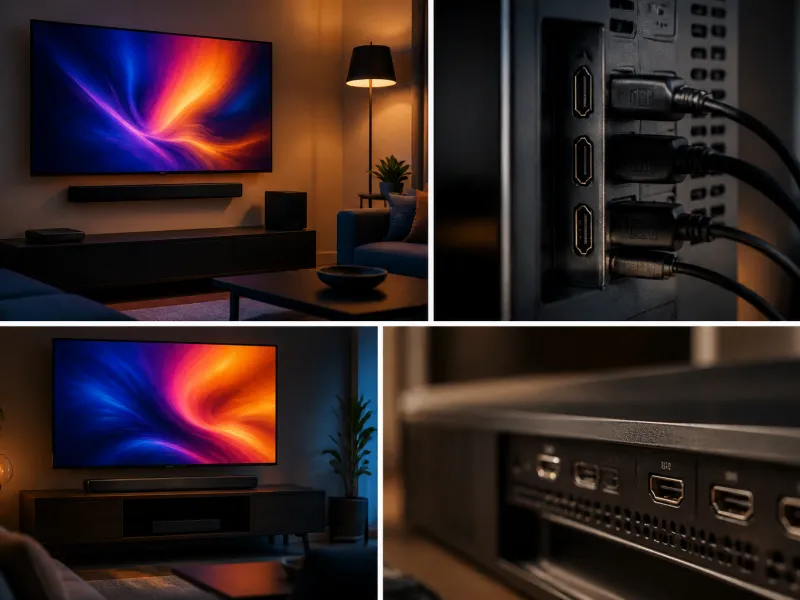
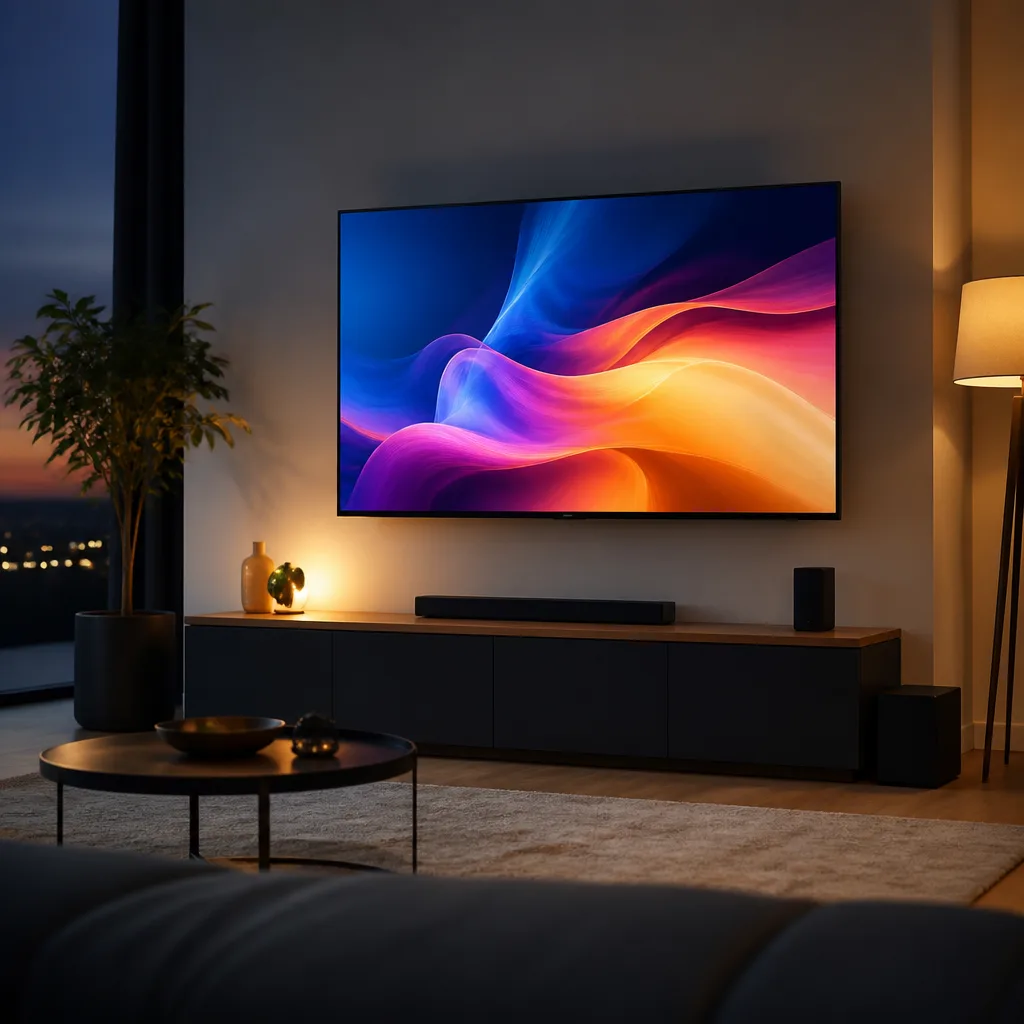
Mounting a television on the wall can free up floor space, improve viewing angle and give a room a cleaner, more deliberate look compared with a TV stand. It also involves choices that are easy to get wrong: the wrong mount type, an unsuitable wall fixing, or a height that turns out uncomfortable once the furniture is in place. This guide walks through the decisions involved.
01
Is wall mounting right for you
A wall mount suits rooms where floor space is limited, where you want the television positioned at a specific height for comfortable viewing, or where a clean, minimal look matters. It is less suitable, or needs extra planning, on walls that cannot safely support the weight, in rented properties where wall fixings are restricted, or where you expect to rearrange the room layout often, since a wall mounted position is more fixed than a stand you can simply move.
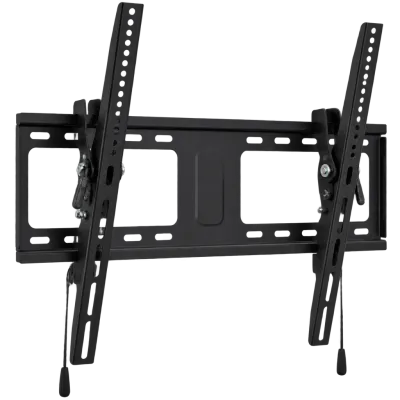 Matching productTilting wall mountAmazon →
02
VESA patterns explained
Nearly all televisions include a set of threaded mounting holes on the back, arranged in a standardised grid known as the VESA pattern, described in millimetres as the horizontal by vertical spacing between the holes. A mount and a television are compatible when the mount supports the exact VESA size the television uses, or a range that includes it.
| Common VESA pattern | Typically found on |
|---|---|
| 100 x 100 mm | Smaller televisions |
| 200 x 200 mm | Mid sized televisions |
| 400 x 400 mm | Larger televisions |
| 600 x 400 mm and above | Very large televisions |
Always check the exact pattern printed in your television's manual or on its rear panel rather than assuming based on screen size alone, since patterns can vary between models of similar size.
03
Fixed, tilt and full motion mounts
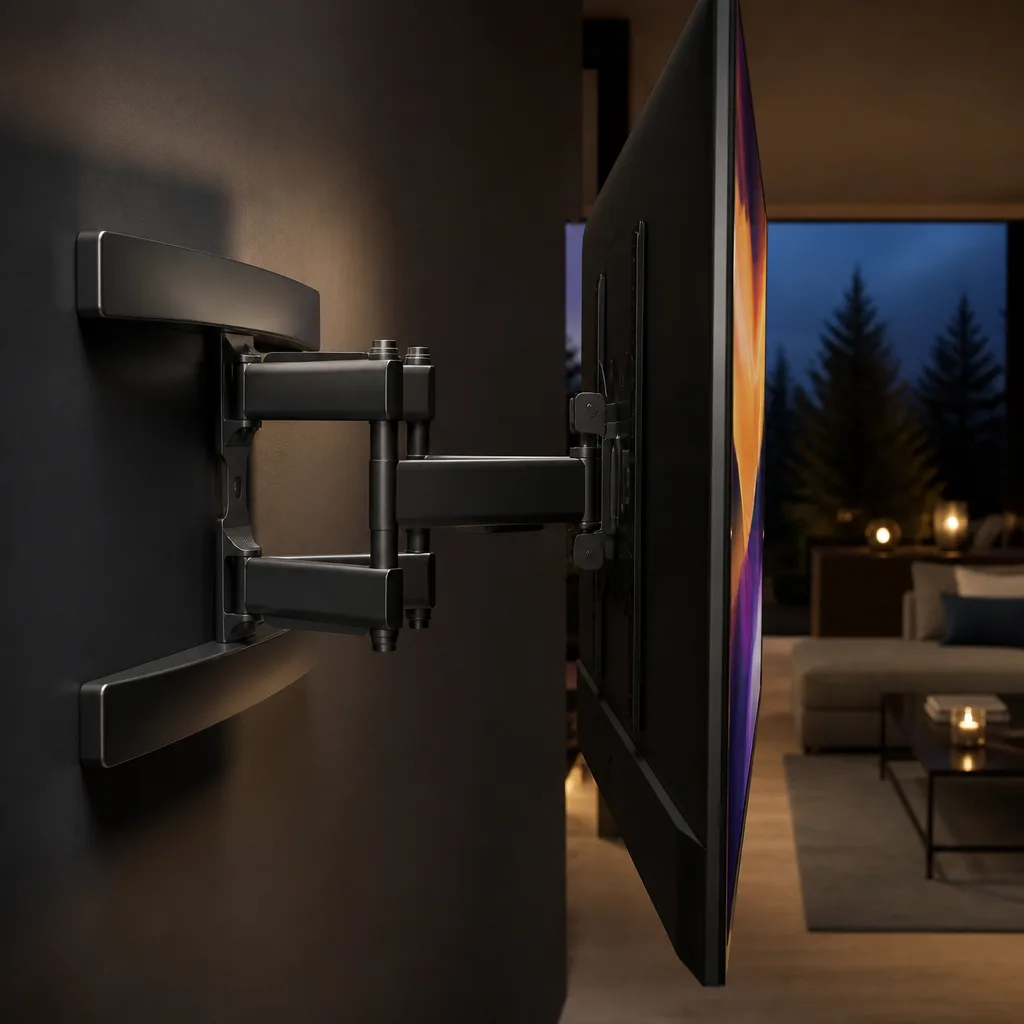
Mounts fall into three broad categories. A fixed mount holds the television flat against the wall with no movement, giving the slimmest profile and suiting a wall directly at eye level. A tilt mount allows the top of the television to angle downward, useful when the screen must be mounted somewhat higher than ideal eye level, for example above a fireplace. A full motion, or articulating, mount extends away from the wall and can swivel and tilt, allowing the screen to be angled towards different seating positions, at the cost of a bulkier bracket and a higher price than a fixed mount.
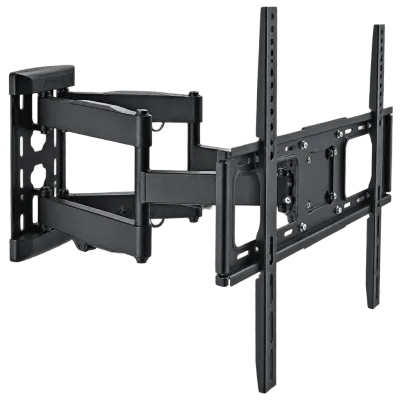 Matching productFull motion wall mountAmazon →
04
Wall types and anchors
The wall material determines what fixing is needed to support the television safely. Solid masonry walls, such as brick or concrete, generally need masonry screws or anchors rated for the combined weight of the television and mount. Plasterboard or drywall on a timber or metal stud frame should be fixed into the structural studs wherever possible, since plasterboard alone, even with specialist anchors, is not a reliable way to support a heavy television on its own. If studs do not line up with the mount's fixing points, a mounting plate or additional bracket designed to spread the load across studs may be needed. When in doubt about a wall's suitability, checking with a professional installer or the mount manufacturer's weight guidance is worthwhile before drilling.
05
Height and eye level
For comfortable viewing, the centre of the screen is generally recommended at roughly seated eye level for the main viewing position, which in most living rooms with a sofa works out to somewhere around 1 m to 1.3 m from the floor to the centre of the screen, though this varies with sofa height and personal preference. Mounting a television noticeably higher, such as above a fireplace, often means looking up at an angle for extended periods, which some viewers find uncomfortable, and a tilt mount can help reduce this by angling the screen downward slightly.
 Matching productProjector screenAmazon →
06
Cable routing
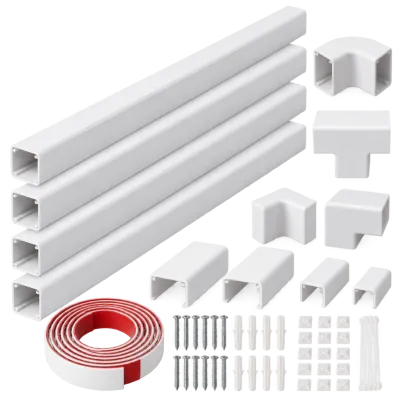
Cables running from a wall mounted television down to a shelf or cabinet holding a streaming device, games console or soundbar can be tidied in several ways. In wall cable management kits route cables through the wall cavity between two low profile plates, giving the cleanest look but generally requiring some wall cutting and, in many countries, care around electrical regulations for anything beyond low voltage signal cables. Surface mounted cable covers or channels are a simpler, lower risk alternative that still noticeably tidies a room compared with cables left hanging loose. See the connections and setup guide and the setup ideas page for further layout suggestions.
 Matching productCable management kitAmazon →
07
Safety and why it is a two person job
Wall mounting a television safely means checking the mount's weight rating against the television's actual weight, using fixings suited to the wall material, and ensuring the bracket is level and firmly secured before letting go of the screen. Because televisions, particularly larger sizes, are heavy and awkward to hold steady while also aligning bracket fittings and checking level, this is a task best done with two people: one to support and position the screen, the other to secure it to the wall bracket. Attempting a full sized television alone increases the risk of a drop or an improperly seated mount.
Before final tightening, it is worth gently testing that the television sits securely on the bracket and that the bracket itself does not shift or pull away from the wall under the television's weight. A short pause at this stage to double check every fixing is well spent, since correcting a loose or misaligned mount after the television has been hanging for some time is far more awkward than getting it right during installation.
08
Tools and preparation
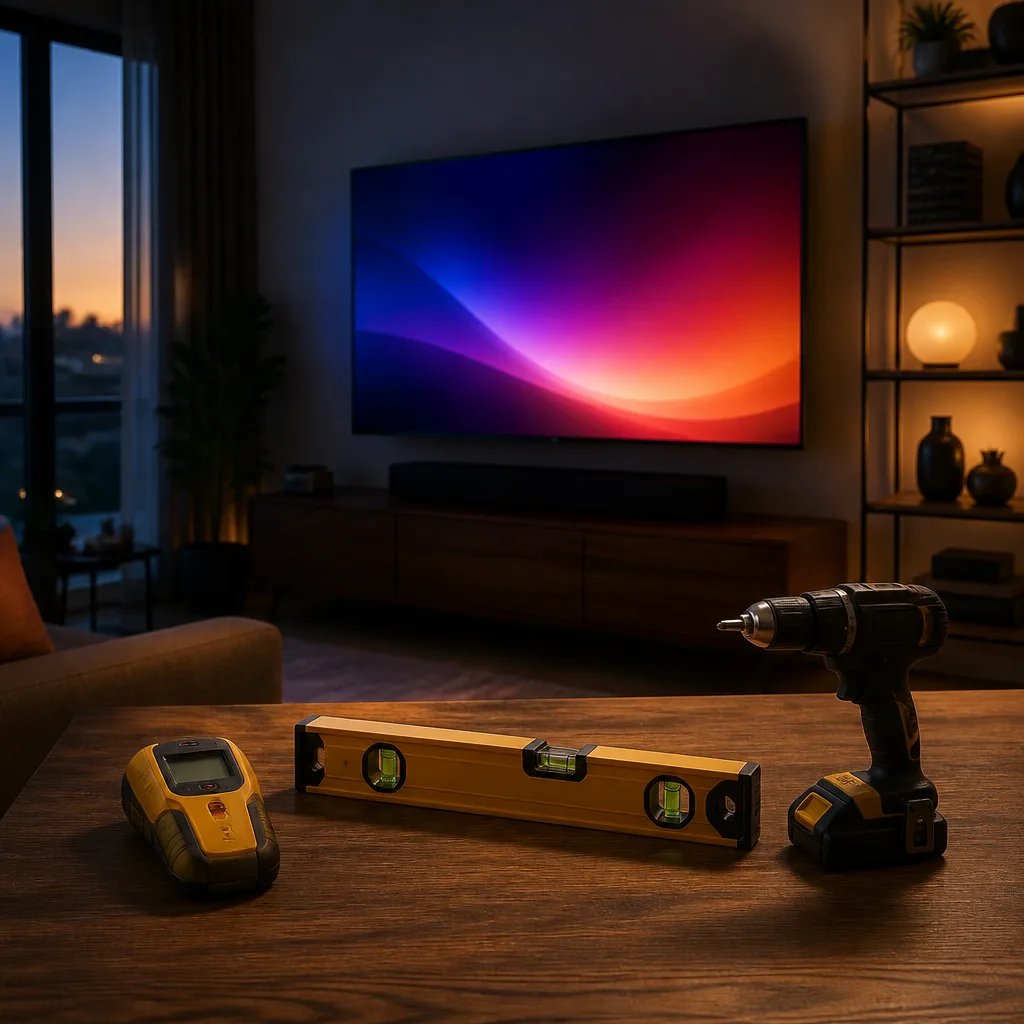
A typical wall mounting job needs a stud finder to locate the wall's structural framing, a spirit level to keep the bracket straight, a suitable drill and bits for the wall material, and a screwdriver matching the mount's fixings. Measuring twice before drilling, marking hole positions clearly, and double checking the bracket is level before committing to drilling all reduce the chance of a mistake that is awkward to correct afterwards. If a television has previously been on a stand, it is also worth removing the stand's own fixing screws and storing them safely in case the television needs to go back on a stand in future.
 Matching productTV standAmazon →
09
Frequently asked questions
Can I wall mount a TV on any wall?
Only if the wall can safely support the combined weight of the television and mount. Solid masonry walls generally handle this well with the right anchors, while plasterboard or drywall needs fixing into structural studs rather than the board alone.
Do I need a tilt or full motion mount?
A fixed mount is enough if the television sits directly at eye level for a single seating position. A tilt mount helps when mounted higher than ideal, and a full motion mount suits rooms with multiple seating positions or where the screen needs to be angled for different uses.
How high should the TV be mounted?
As a general guide, aim for the centre of the screen at roughly seated eye level for your main seating position, which in most rooms means somewhere around 1 m to 1.3 m above the floor, adjusted for your specific sofa and room.
Why does wall mounting need two people?
A television is heavy and awkward to hold steady while aligning it to bracket fittings. Two people, one supporting the screen and one securing it, reduces the risk of dropping the television or leaving it improperly attached to the wall.
Explore
Read next
 TV Panel Types Explained: LCD, QLED, Mini-LED, OLED and MoreAn overview of TV panel technologies, from LCD and QLED to OLED and Micro-LED, compared on blacks, brightness, viewing angle and burn-in ri…
 TV Buying Guide: How to Choose the Right TelevisionA practical, step by step guide that walks you through every decision in buying a television, from screen size to sound.
 TV Size Guide: Screen Sizes and Viewing DistanceA practical guide to translating screen diagonal into real dimensions and choosing the right size for your viewing distance and room.