
6 min read
Choosing a TV for watching sport
Live sport asks different things of a TV than film night. Here is how motion, viewing angle, brightness and size matter.
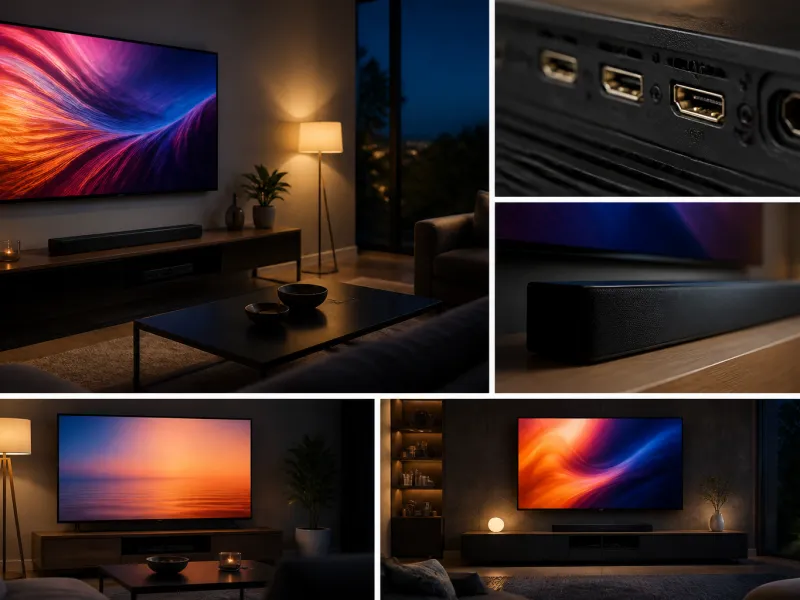
Sport places its own demands on a television. Fast moving balls and players, wide shots of a pitch or track, bright outdoor footage and, often, a room full of people watching together all call for slightly different priorities than a typical film night. This guide covers what to look for when a television's main job is showing live sport.
Many of the same technologies used for gaming and bright rooms are relevant here too, so this guide cross references those where useful rather than repeating the detail.
01
What matters when watching sport
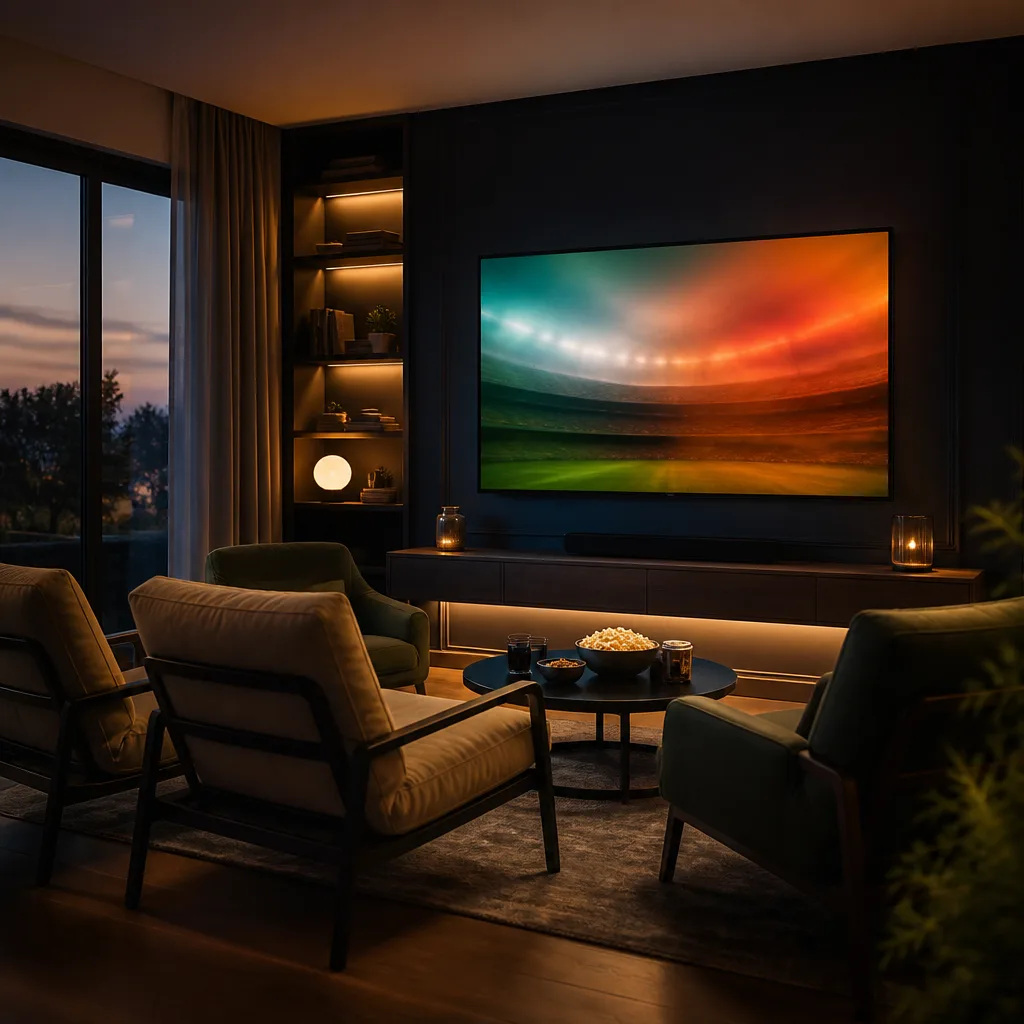
Sports broadcasts tend to combine fast panning camera work, quick movement, and often bright, evenly lit conditions, whether that is a stadium under floodlights or an outdoor pitch in daylight. Compared with a slow, carefully framed film scene, sport asks a television to keep up with rapid motion without blurring, to stay watchable from a wide range of seating positions, and often to perform well even with some ambient light in the room.
None of this means a household needs a specialist model bought purely for sport. A television that already suits films and everyday viewing well tends to handle sport reasonably too, so the points below are best read as priorities to weigh a little differently rather than an entirely separate shopping category.
02
Motion handling and judder
Camera pans and fast movement can reveal weaknesses in how a panel handles motion, appearing as blur trailing behind a moving ball or player, or as juddery, uneven movement during a slow pan across a pitch. Panels with a higher native refresh rate and good motion processing tend to keep fast action clearer.
Broadcast sport is usually filmed and transmitted at a lower frame rate than the panel's maximum refresh rate, so the television's own motion processing plays a larger role in how smooth the picture ultimately looks than the headline refresh rate figure alone.
Motion smoothing features, sometimes marketed under names that vary by manufacturer, insert calculated extra frames to make movement look smoother. For sport this can genuinely help reduce judder, unlike for film content where strong smoothing often looks unnatural. Many people prefer a moderate level of motion smoothing for live sport and a lower or disabled setting for films, and switching between picture modes for each type of content is worth doing if your television allows it.
03
Viewing angle for groups
Watching sport is often a group activity, with seating spread wider than the ideal, centred position in front of the screen. Viewing angle describes how much the picture's contrast and colour shift when viewed from the side rather than straight on.
| Panel type | Typical off axis behaviour |
|---|---|
| OLED | Generally maintains contrast and colour well from wide angles |
| QLED and other LCD without wide angle treatment | Contrast and colour can fade noticeably from the side |
| LCD with a wide viewing angle layer | Improved off axis performance compared with standard LCD, though results vary by model |
If several people regularly watch from armchairs or a wide sofa rather than centred seats, viewing angle performance is worth checking, since a panel that looks excellent from the middle can look washed out from the sides.
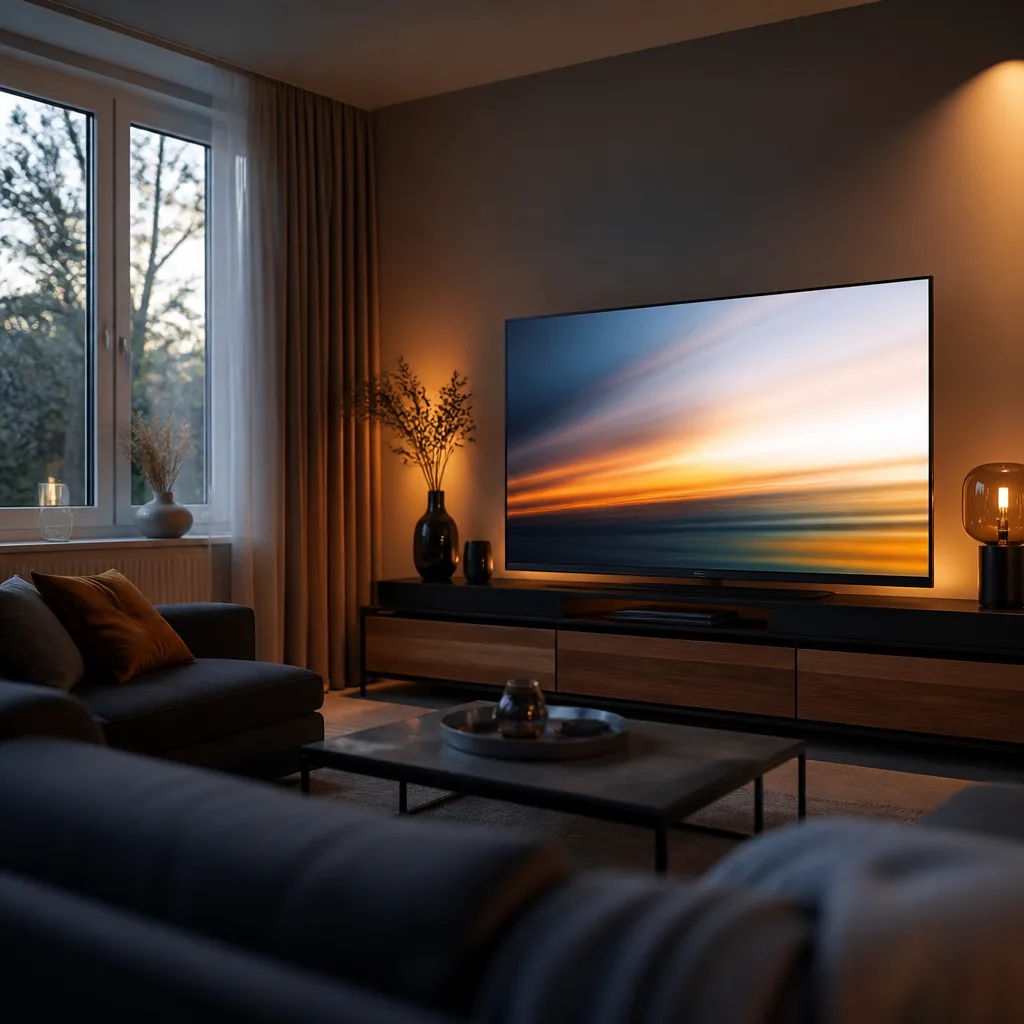
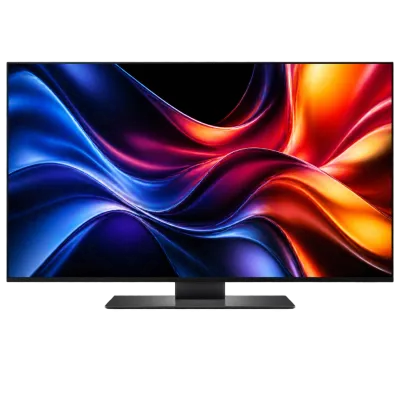 Matching productOLED TV 55 inchAmazon →
04
Brightness for daytime matches
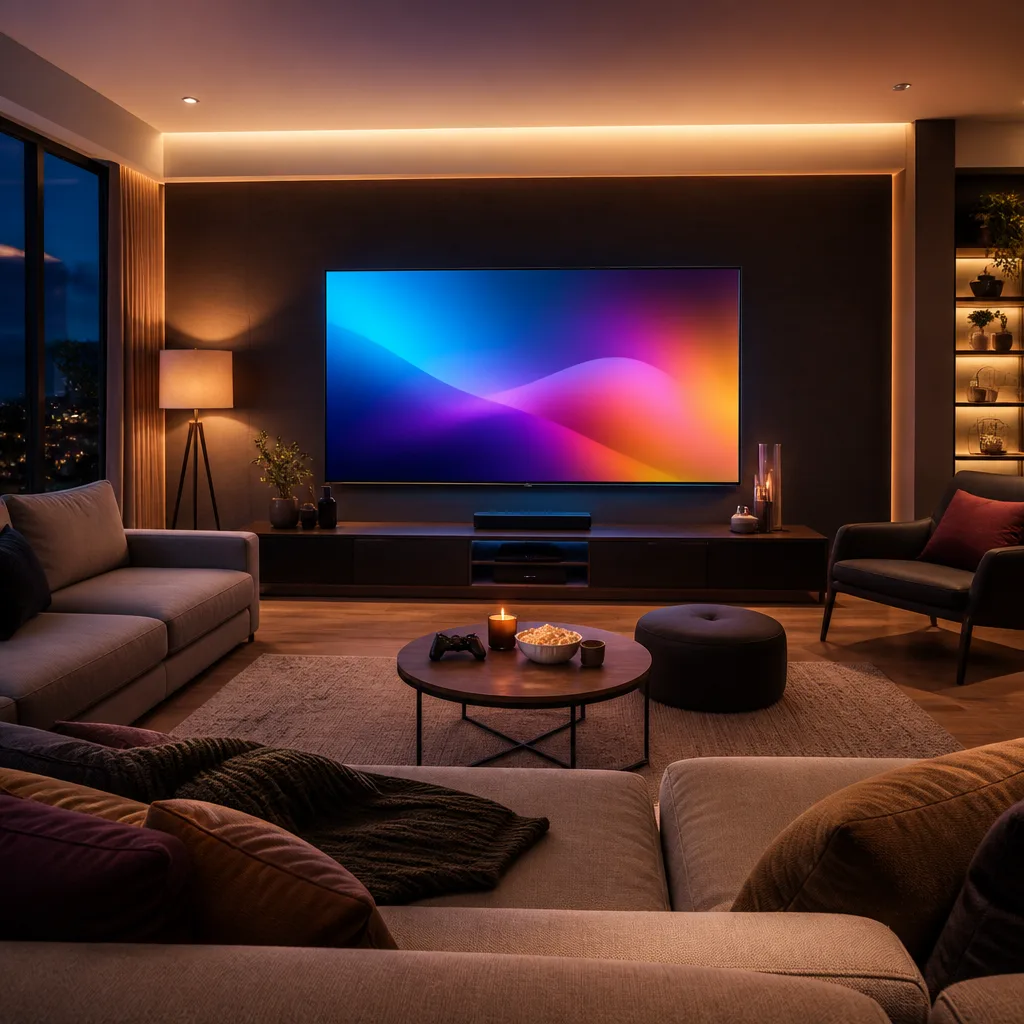
Many sports events are broadcast during the day or shown in rooms with the curtains open at a weekend. The considerations from the guide on TVs for bright rooms apply directly here: stronger peak brightness and an anti-glare coating both help keep a fast moving match clear and watchable when daylight is present in the room.
Outdoor sports coverage in particular tends to include large areas of bright sky, grass or water, which can look flat and washed out on a dim panel in a sunlit room but stays punchy and detailed on a set with strong peak brightness. If your household regularly watches weekend sport in daylight, this is one of the more noticeable practical differences between models when comparing them side by side.
05
Size and viewing distance
Sport often benefits from a larger screen than the strict minimum needed for film, because a bigger picture makes small details, such as a ball in flight or a scoreboard in the corner, easier to follow from typical living room distances. See the dedicated guide on TV size and viewing distance for how to match screen size to your room, keeping in mind that a room used for group sports viewing may have seating further back than a single person's usual spot.
Where a room is used for both sport with a group and everyday viewing alone, it is worth measuring distances for both the closest and furthest regular seating positions rather than only the sofa's centre, since a size that suits a single viewer up close can feel too large, or too small, once extra chairs are pulled in for a match.
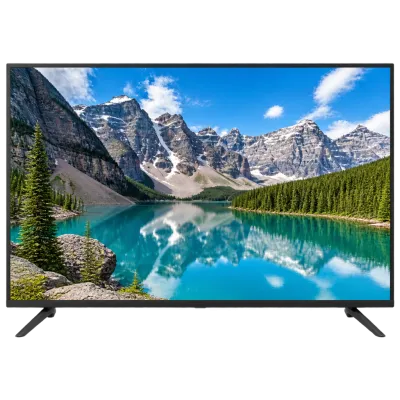 Matching product4K TV 43 inchAmazon →
06
Sound for commentary and atmosphere
Commentary needs to stay clear even when crowd noise or a busy living room competes for attention. Built in television speakers are often adequate for casual viewing, but a soundbar generally improves clarity of speech and adds a sense of atmosphere for stadium sound, which many people find noticeably improves the experience of watching sport compared with a TV's built in speakers alone. A simple stereo or 2.1 soundbar can already make a clear difference to commentary intelligibility, while a system with wider channel support adds more sense of crowd atmosphere around the room.
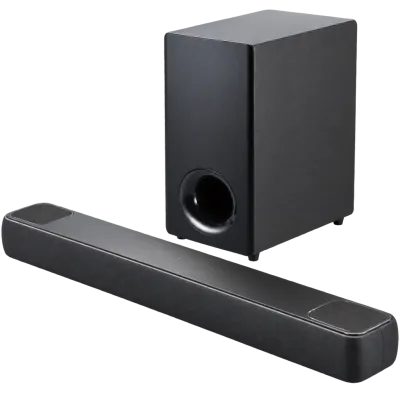 Matching productDolby Atmos soundbarAmazon →
07
Preparing for a match at home
Beyond the television itself, a few practical habits improve group sports viewing. Arriving at the main settings menu before kick off to select a suitable picture mode, rather than adjusting mid match, avoids disruption once the room is full. Checking that any extra seating still has a reasonable view of the screen, and that lamps or windows are not creating glare from those side positions, is worth a quick check before a big match rather than only considering the main seat.
08
Bringing it together
For a television used mainly for sport, prioritise strong motion handling, a wide effective viewing angle if seating is spread out, good brightness for daytime matches, and a size that suits the room and typical seating distance. Consider a separate sound solution if speech clarity and atmosphere during matches matter to you.
09
Frequently asked questions
Should motion smoothing be on or off for sport?
A moderate motion smoothing setting is usually preferred for live sport, since it can reduce judder during fast pans and movement. It is worth turning down or off for film and drama content, where the same effect often looks unnatural.
Is a bigger screen always better for sport?
Bigger is often better for sport up to a point, but the right size still depends on viewing distance. A screen that is too large for the room can make sport, especially wide shots of a pitch, harder to take in comfortably rather than easier.
Does viewing angle matter if I usually watch alone?
Less so. If you always sit centred in front of the screen, off axis performance matters far less than it does for a household that regularly spreads out across a wide sofa or extra chairs.
Do I need a soundbar just for watching sport?
Not strictly, but many people find that clearer commentary and a stronger sense of crowd atmosphere make a real difference to enjoyment, which is why a soundbar is a common upgrade for households that watch a lot of live sport.
 Matching productProjector screenAmazon →
Explore
Read next
 TV Panel Types Explained: LCD, QLED, Mini-LED, OLED and MoreAn overview of TV panel technologies, from LCD and QLED to OLED and Micro-LED, compared on blacks, brightness, viewing angle and burn-in ri…
 TV Buying Guide: How to Choose the Right TelevisionA practical, step by step guide that walks you through every decision in buying a television, from screen size to sound.
 TV Size Guide: Screen Sizes and Viewing DistanceA practical guide to translating screen diagonal into real dimensions and choosing the right size for your viewing distance and room.