
tvhomeshop.com
TV Home Shop: Independent Guides to Choosing and Setting Up a Television
tvhomeshop.com is an independent editorial site that explains televisions in plain language, with a buying guide, setup advice and a glossary.
24 articles · 54 glossary terms
Explore
Topics
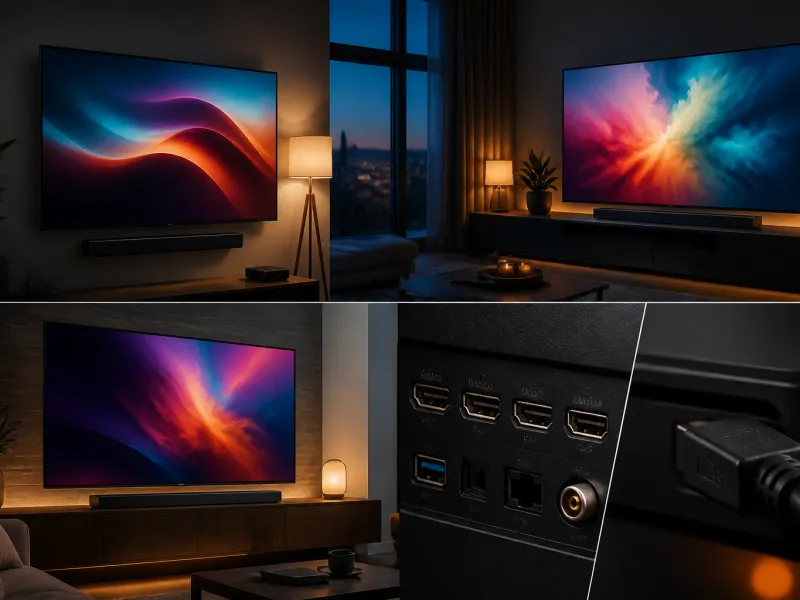
 TV Panel Types Explained: LCD, QLED, Mini-LED, OLED and More
An overview of TV panel technologies, from LCD and QLED to OLED and Micro-LED, compared on blacks, brightness, viewing angle and burn-in risk.
02
TV Panel Types Explained: LCD, QLED, Mini-LED, OLED and More
An overview of TV panel technologies, from LCD and QLED to OLED and Micro-LED, compared on blacks, brightness, viewing angle and burn-in risk.
02
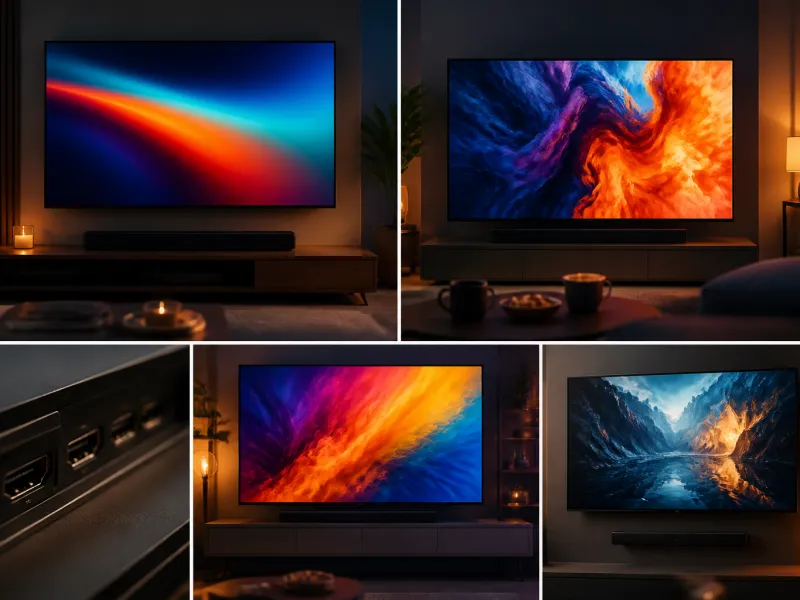
 TV Buying Guide: How to Choose the Right Television
A practical, step by step guide that walks you through every decision in buying a television, from screen size to sound.
03
TV Buying Guide: How to Choose the Right Television
A practical, step by step guide that walks you through every decision in buying a television, from screen size to sound.
03
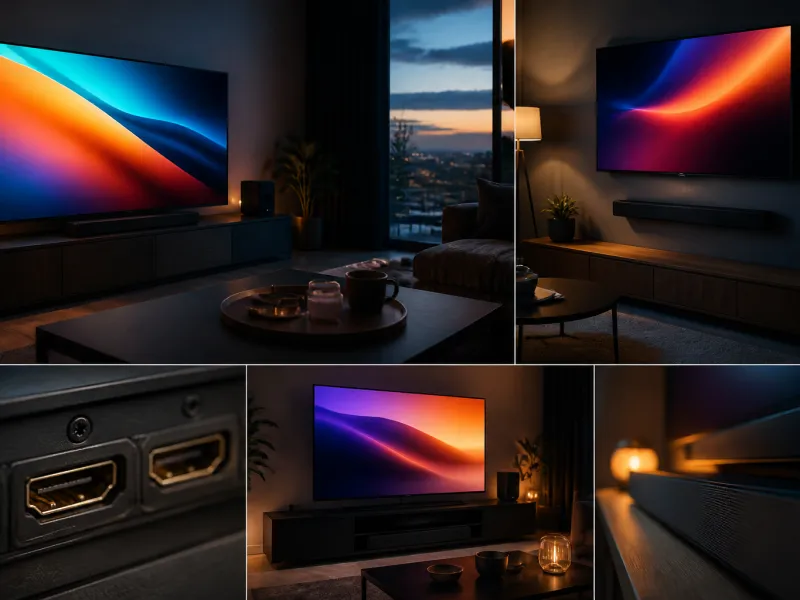
 TV Size Guide: Screen Sizes and Viewing Distance
A practical guide to translating screen diagonal into real dimensions and choosing the right size for your viewing distance and room.
04
TV Size Guide: Screen Sizes and Viewing Distance
A practical guide to translating screen diagonal into real dimensions and choosing the right size for your viewing distance and room.
04
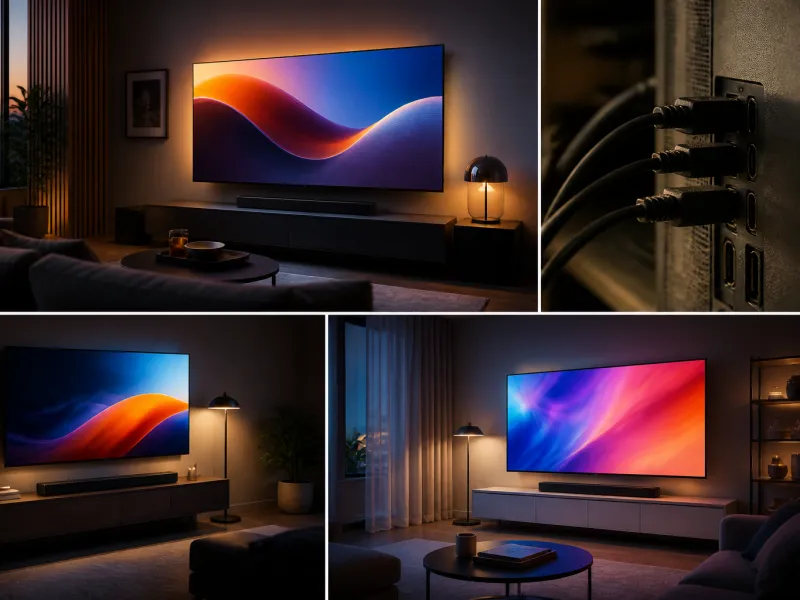
 TV Connections and Setup Guide
Everything you need to know about the ports on the back of a TV and how to set them up correctly the first time.
05
TV Connections and Setup Guide
Everything you need to know about the ports on the back of a TV and how to set them up correctly the first time.
05
 TV Sound and Streaming: An Overview
An overview of how to get better sound from your TV and how streaming, built in apps and casting fit together.
TV Sound and Streaming: An Overview
An overview of how to get better sound from your TV and how streaming, built in apps and casting fit together.
TV Glossary: Terms Explained from A to Z
From A to Z: 54 terms explained
Welcome to tvhomeshop.com, an independent editorial site for anyone who wants clear, practical answers about televisions. Choosing a new TV today means picking between panel technologies with unfamiliar names, screen sizes measured in two different units, a dozen acronyms printed on the box, and a wall of further decisions once you also think about sound, streaming and mounting. Our aim is to explain all of it in plain language, without steering you toward a particular brand or model.
Everything on this site is written to be read once, understood, and then put to practical use, whether that means measuring your living room before you buy, understanding what a spec sheet actually promises, or setting up a new television so it looks and sounds its best from day one.
Who we are
tvhomeshop.com is run by a small team of technology editors. We are not a shop, and although the site includes a shop section with links to current listings, that section is kept separate from our editorial guides and never shapes what we write. We are also not a testing lab. You will not find star ratings, invented scores, best of lists, or claims that we have personally tested dozens of televisions in a studio. Instead, we explain how the underlying technology works, what the specifications on a box or product page actually mean, and which factors matter most for a given room or way of watching, so that you can weigh the choice yourself with confidence. When we mention a technology such as OLED, QLED or HDMI, we use these as the technical terms they are, not as an endorsement of one product over another. Where a fact genuinely requires naming a manufacturer, for instance because a particular type of panel is currently produced by only one company, we say so plainly and nothing more.
We also try to keep our explanations current. Television technology keeps moving, connections change, and broadcast standards differ from country to country, so we revisit our overview pages and guides whenever something meaningful changes, rather than treating them as a one time snapshot written once and forgotten.
What you find here
The site is organised so you can move from a broad overview to the exact detail you need, without wading through marketing language along the way. Our panel types overview explains the difference between LCD, QLED, Mini-LED, OLED and the newer QD-OLED and Micro-LED technologies. Our buying guide walks through the whole decision from screen size to sound. The size and viewing distance guide helps you work out how large a screen actually fits your room and your sofa. Once a new television is home, our connections and setup page covers HDMI ports, tuners and cabling, and our sound and streaming overview looks at soundbars, receivers and streaming devices. If you already own a television and want ideas for improving how it is mounted or positioned, our setup ideas page is a good place to start.
Beyond these overview pages, our full collection of in depth guides lives at /guides/, including focused articles such as OLED versus QLED, HDR explained, refresh rate and gaming, choosing a TV for a bright room and our soundbar guide. Each guide stands on its own, so you can jump straight to the topic that matches your situation instead of reading the whole site from the beginning.
How to choose a TV in brief
If you only have a few minutes, here is the short version. Start with size: measure the distance from where you usually sit to where the screen will hang, since this, more than the size of the room itself, determines how large a screen makes sense. Our size and viewing distance guide gives simple rules of thumb for this. Next, think about the room's lighting. A room with large windows or bright overhead lighting calls for a brighter panel, while a darker room lets a technology with deep blacks, such as OLED, show its strengths without glare working against it. Our panel types overview explains which technologies handle brightness and reflections differently.
After that, consider how you actually use the television. Someone who plays fast paced games cares about refresh rate and input lag in a way that someone who mainly watches the news does not. Someone who wants cinema style sound from day one should budget for a soundbar or receiver alongside the screen itself, rather than treating sound as an afterthought. Finally, do not forget the connections you will need, including enough HDMI ports for a games console, a soundbar and a streaming device at once, and check whether your country's broadcast standard is already built into the tuner or needs an external receiver.
None of this needs to be decided all at once. Many people choose a screen first, live with it for a while, and add a soundbar, a streaming device or a wall mount later once they know what is actually missing. Our overview pages are written so that each one still makes sense on its own, whichever piece of the setup you happen to be working on at the time.
How to use the glossary
Television specifications are full of terms that are easy to misread or confuse, from contrast ratio and peak brightness to VRR, ALLM and eARC. Our glossary collects these terms from A to Z, each with a short, plain explanation and a link back to wherever the term is discussed in more depth. If you come across an unfamiliar word anywhere on this site, on a product page, or on the back of a television box, the glossary is usually the fastest way to look it up. It also works well as a starting point if you simply want to browse and get a feel for how the different pieces of TV technology fit together, before moving on to a full guide on any one of them. Whatever brought you here, whether you are comparing two panel technologies, working out how far back your sofa needs to be, or simply trying to understand what a spec sheet is telling you, we hope this site gives you the background to make that decision yourself, without noise and without being pushed toward a particular product.
Guides
From the guides
 HDMI 2.1 explained: bandwidth, features and cablesHDMI 2.1 brings more bandwidth and new gaming features to modern TVs. Here is what it actually changes, and which cables and ports you need.
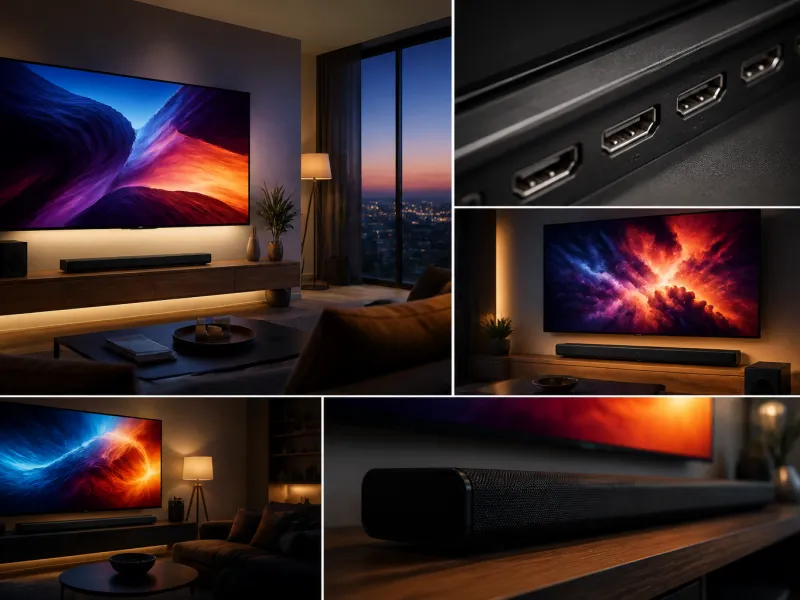 HDR explained: what high dynamic range means for your TVHDR promises brighter highlights, deeper shadows and richer colour. Here is what the term means, how the main formats differ, and what you need to se…
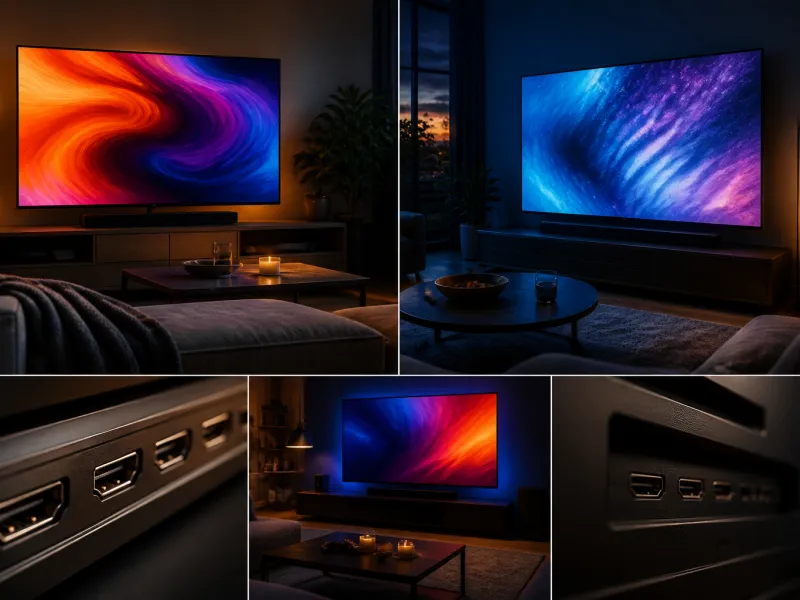 OLED vs QLED: which TV technology should you chooseOLED and QLED are the two technologies behind most modern televisions. Here is how each one produces its picture, and which strengths matter for your…
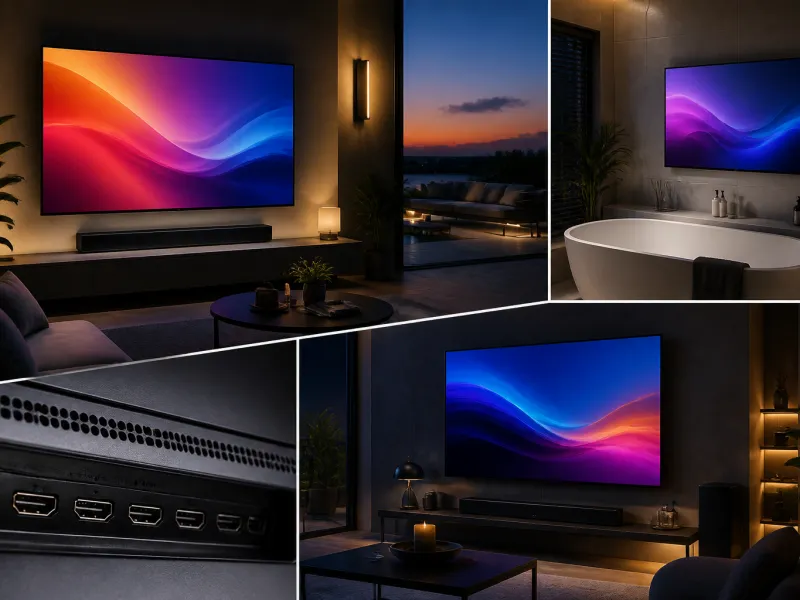 TVs for outdoor spaces and bathroomsA regular television is not designed for humidity, splashes or direct sun. Here is what outdoor and bathroom use actually requires.